Background Pics for LinkedIn (+ Profile Photo Fixes in Minutes)
A LinkedIn banner makes your page look complete, but it is only one piece of the puzzle.
Over 9000 people search for "background pics for LinkedIn" every month. Most of them still leave it on the default blue.
In this post we'll show how to pick the right Background Pics for LinkedIn and then cover seven fast ways to polish every other image on your profile. The goal: look put-together, win trust, and do it all with free tools on MyPicNow.
1) Why Your LinkedIn Banner Matters
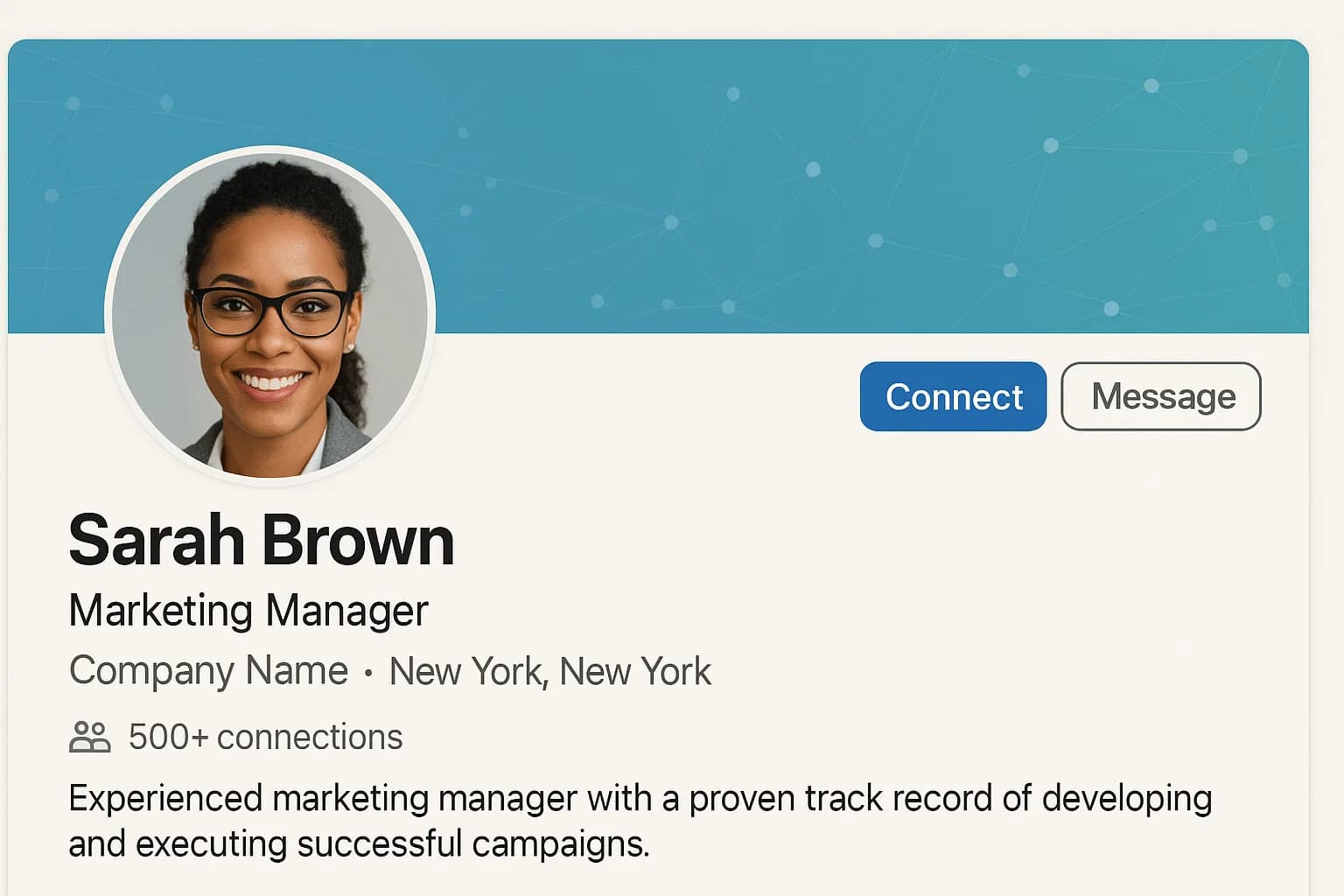
Your banner sits right behind your face photo, chewing up almost 40% of the visible space on your desktop. A good one:
- Signals your field – skyline for real estate, code lines for tech, clean gradient for most office jobs.
- Adds colour balance – dark banner + bright headshot or the other way round.
- Shows effort – a fresh banner tells recruiters you keep your page up to date.
Yet most people leave it empty or copy a blurry stock shot.
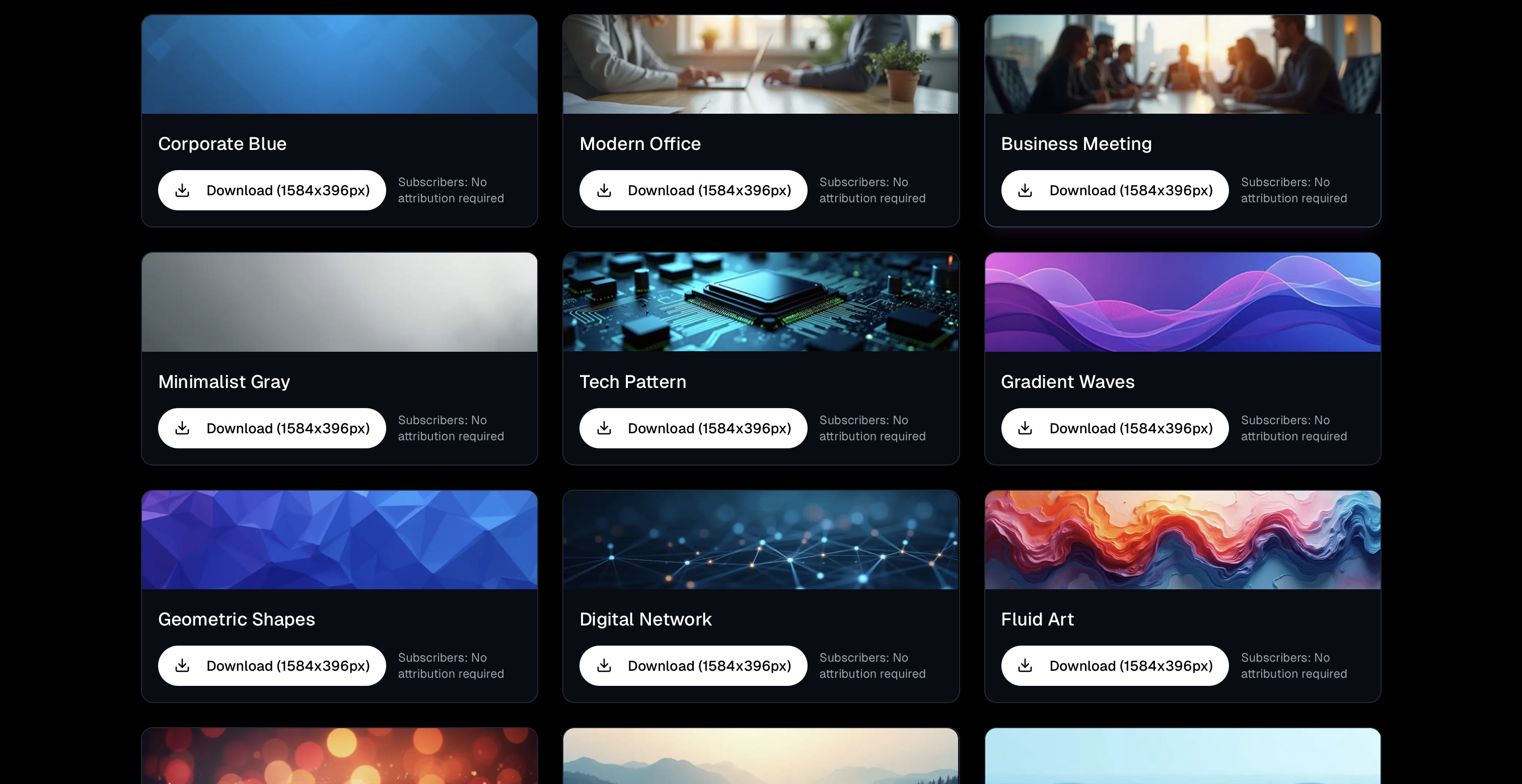
Quick win: Grab a free banner from our new page /background-pics-linkedin. Pick one, upload it, and you're done in under one minute.
2) Three Simple Rules for Background Pics for LinkedIn
- Stay light on text. A slogan is fine; a full paragraph is not.
- Avoid busy photos. Heavy detail competes with your headshot.
- Match tones. If your headshot is warm-lit, choose a banner with warm shades, not polar blue.
Pro tip: After you set the banner, view your page on mobile. Text that looks crisp on desktop often shrinks to dust on a phone.
3) Step-by-Step: Swap Your Banner in 60 Seconds
- Visit /background-pics-linkedin.
- Download the banner that fits your role.
- On LinkedIn, click the pen icon on your banner area.
- Upload the file → hit Save.
- Refresh your page; the change is live.
That's it. Now let's fix the rest of your pictures so everything feels consistent.
4) Professional LinkedIn Headshot: Keep It Fresh
Your face is still the hero. If you only update one image beyond the banner, make it a Professional LinkedIn Headshot (or executive-level headshot for senior roles). Good light + relaxed eyes + plain top is enough. But if you don't have that photo handy:
- Upload a few selfies to MyPicNow.
- Choose the right prompt under our ideas section.
- Get a finished shot in eight seconds.
We covered detailed tips on what type of AI headshots are just perfect, but here are the highlights:
- Shoot near an office window setting.
- Keep shoulders turned 10–15 degrees for a slimmer look.
- Leave headroom for the banner; don't crop too tight at the top.
5) Selfie Images → Job-Ready Photos
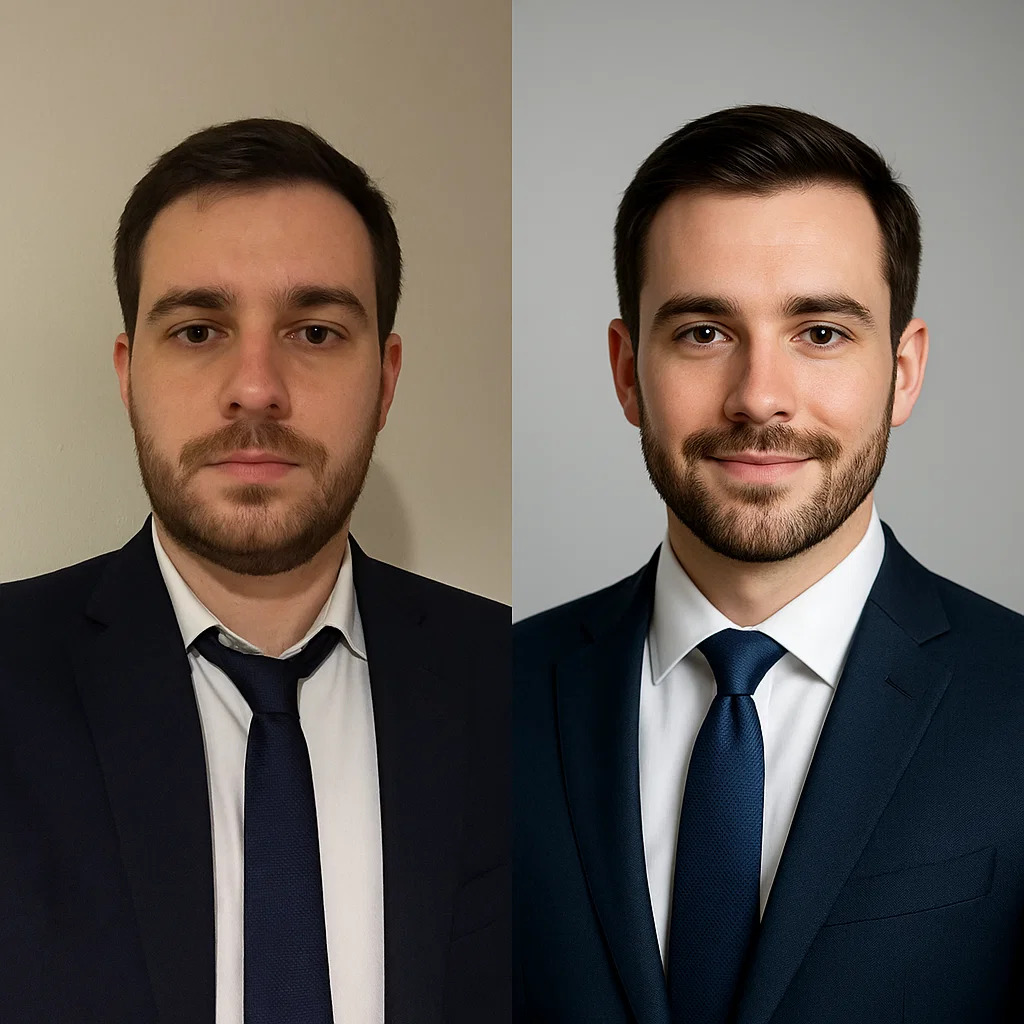
Yes, Selfie Images can work:
- Stand near a window, hold the phone at eye line.
- Turn off beauty filters; they blur key details.
- Snap five to ten angles.
Feed them into MyPicNow, choose "neutral office wall," and you'll get a pro shot without needing to find photographers near you or moving furniture.
6) Headshot Actor & Model Headshots: Niche Needs, Same Process
Actors and models also live on LinkedIn—agents check profiles before email pitches. MyPicNow lets you pick between several styles and you can customize your perfect studio shot.
Both come from the same upload. Select the style in the right-hand menu and download in seconds.
7) WhatsApp Profile Photo: Keep It Consistent
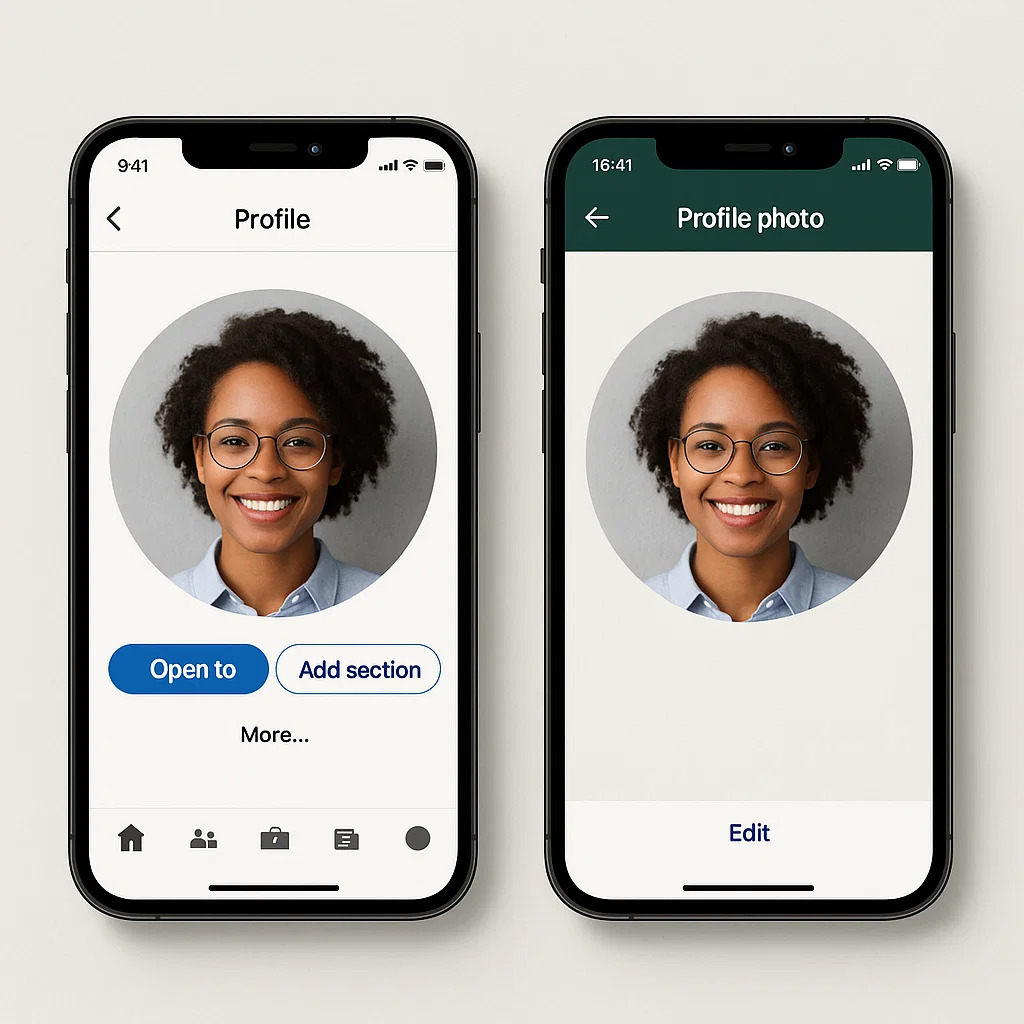
Hiring managers often shift the chat to WhatsApp once an interview date is set. Keep a sharp WhatsApp Profile Photo so the visual flow stays smooth:
- Use the same headshot crop you posted on LinkedIn.
- Use a white or soft grey backdrop; small chat bubbles shrink busy frames.
- Save it at 640 × 640 px—anything bigger is wasted data.
8) Photoshoot Apps vs. MyPicNow: Quick Comparison
| Photoshoot App | Speed | Style Control | Realism | Cost |
|---|---|---|---|---|
| MyPicNow | 10 min | High (trained on your face) | ⭐️⭐️⭐️⭐️⭐️ | From $19/month |
| BetterPic | ~ 1 hour | High | ⭐️⭐️⭐️⭐️ | $35 one-time |
| HeadshotPro | 1-2 hours | Low (batch presets only) | ⭐️⭐️⭐️⭐️ | Starts at $29 |
| Aragon.ai | 1-2 hours | Medium (tweaking offered) | ⭐️⭐️⭐️ | $35-$75 |
| Secta Labs | 1-2 hours | High (editing tools included) | ⭐️⭐️⭐️ | $49 flat fee |
Classic apps add filters; MyPicNow learns your face, so results look real and high-quality.
Wrap-Up & Call to Action
Your banner grabs the eye; your headshot locks in trust. With a free download and one selfie, you can refresh both in the time it takes to refill your coffee.
🚀 Refresh your LinkedIn look in 8 seconds
Q: Are AI headshots good enough for LinkedIn?
Yes. Clear input photos + a tool that trains on your face = natural results that pass recruiter tests.
Q: What size should my banner be?
LinkedIn suggests 1584 × 396 px, but any 4:1 ratio works. Keep file size under 8 MB.
Q: Is it safe to upload my photos?
MyPicNow follows GDPR. Files are encrypted during upload and auto-deleted on request.
Q: Can I reuse my banner on other sites?
Sure, but check each platform's crop. Twitter/X uses 3:1, Facebook uses 820 × 312 px.
Q: How many photos do I need to train an AI model?
Fifteen to twenty selfies from different angles give the best balance of speed and accuracy.
Q: Do I need a good light?
Natural window light works fine. It's important that your face is clearly visible.