Essential Tips for Crafting the Perfect AI Headshot in 10 Minutes
Your headshot is your digital handshake.
It shows up in recruiter searches, Slack chats, and even email previews.
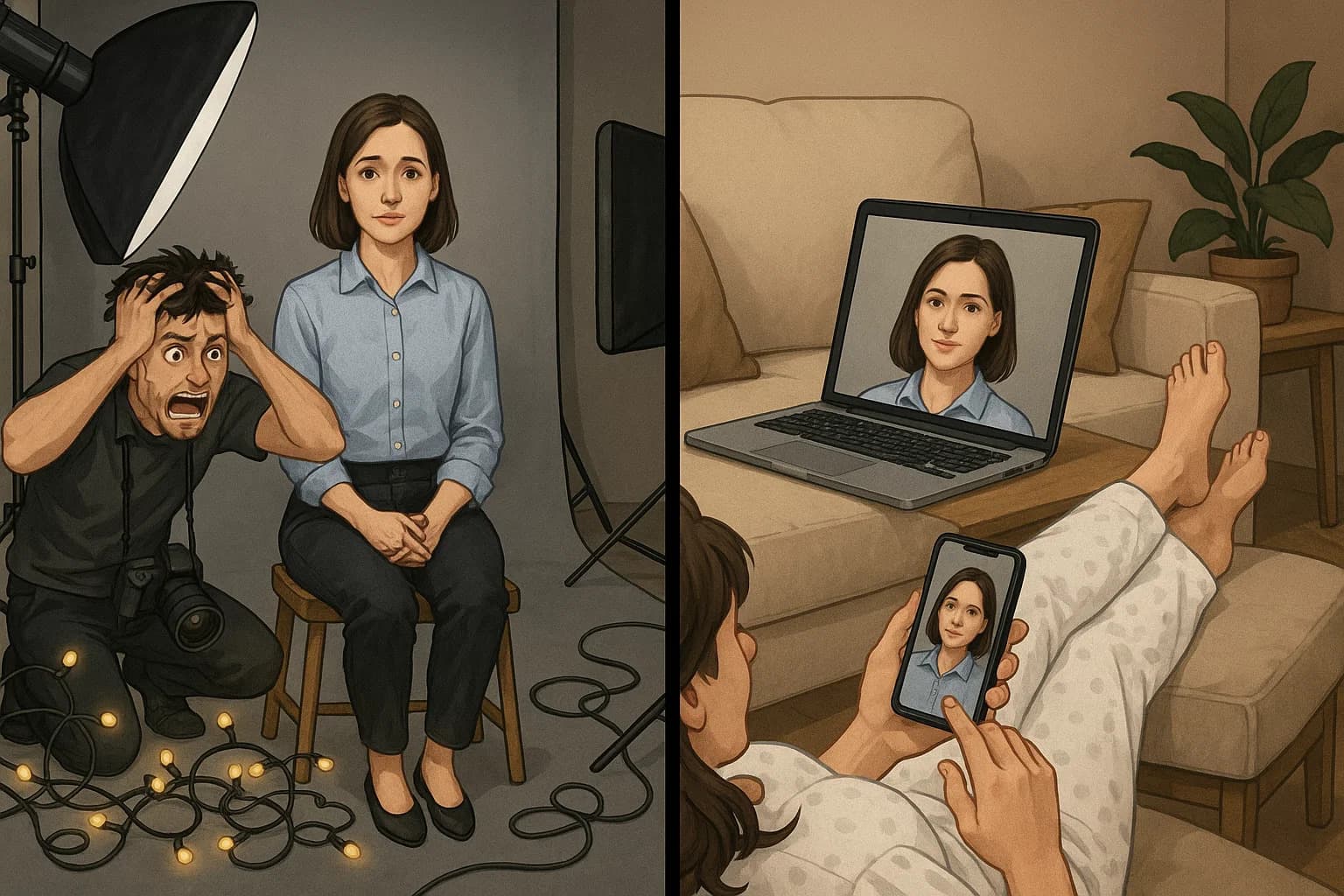
With the right AI tool - you can swap studio stress for a ten-minute workflow that still looks real. This guide breaks down every step, from choosing the best selfie for MyPicNow to finding good Background Pics for LinkedIn banners.
Main Takeaway
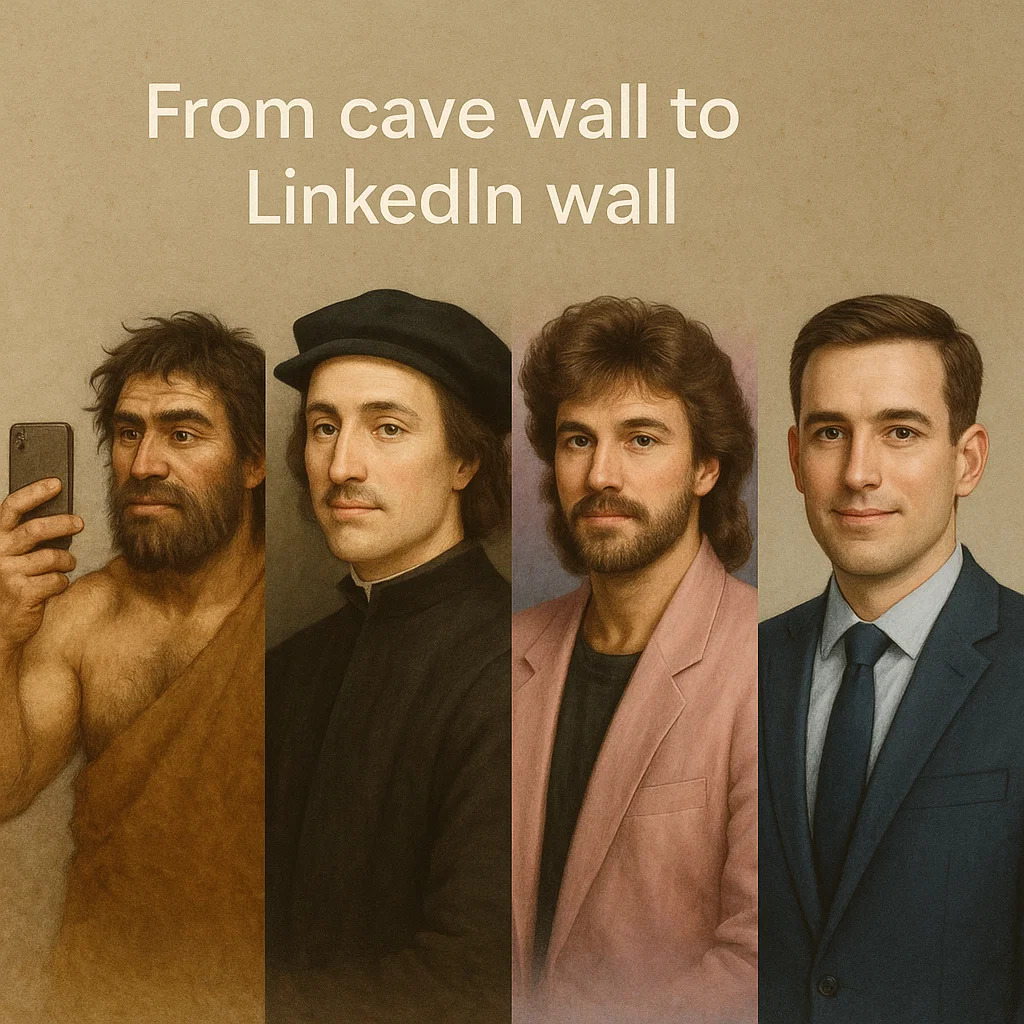
- Likeness first: The best Professional LinkedIn Headshot still looks like you—just in better light.
- 15 good Selfie Images > 40 random ones: Quality beats bulk every time.
- Private model = full control: You decide the crop, the clothes, and when the data is deleted.
1) Why AI Headshots Beat a Studio Trip in 2025
Booking with traditional Photoshoot Apps once meant three emails, two train rides, and a week of waiting. Today a private AI model on MyPicNow trains while you make a coffee, then spits out LinkedIn-ready photos faster than you can drink it.
| Metric | Old-school studio | MyPicNow |
|---|---|---|
| Total cost | €150 – €450 | $19 single pack |
| Time to book | 3-7 days | 5 min |
| First finished file | 24 h – 1 week | 8 s |
| Revisions | Extra fee | Unlimited regenerations |
Quick fact: LinkedIn's 2024 data shows profiles with a sharp Professional LinkedIn Headshot get 14× more views and 9× more connection requests. Time spent here pays back fast.
Check out our previously written blog article "What Recruiters Notice First in a LinkedIn photo (and How to Nail Yours)"
2) Gather a Training Set That Actually Works
Your model only knows what you show it. Follow these ten rules and you'll avoid 90% of complaints (and yes, we've seen them all at MyPicNow support).
- Shoot in daylight: Stand facing a window. Eyes level with the lens.
- Use three angles: Straight on, slight left, slight right.
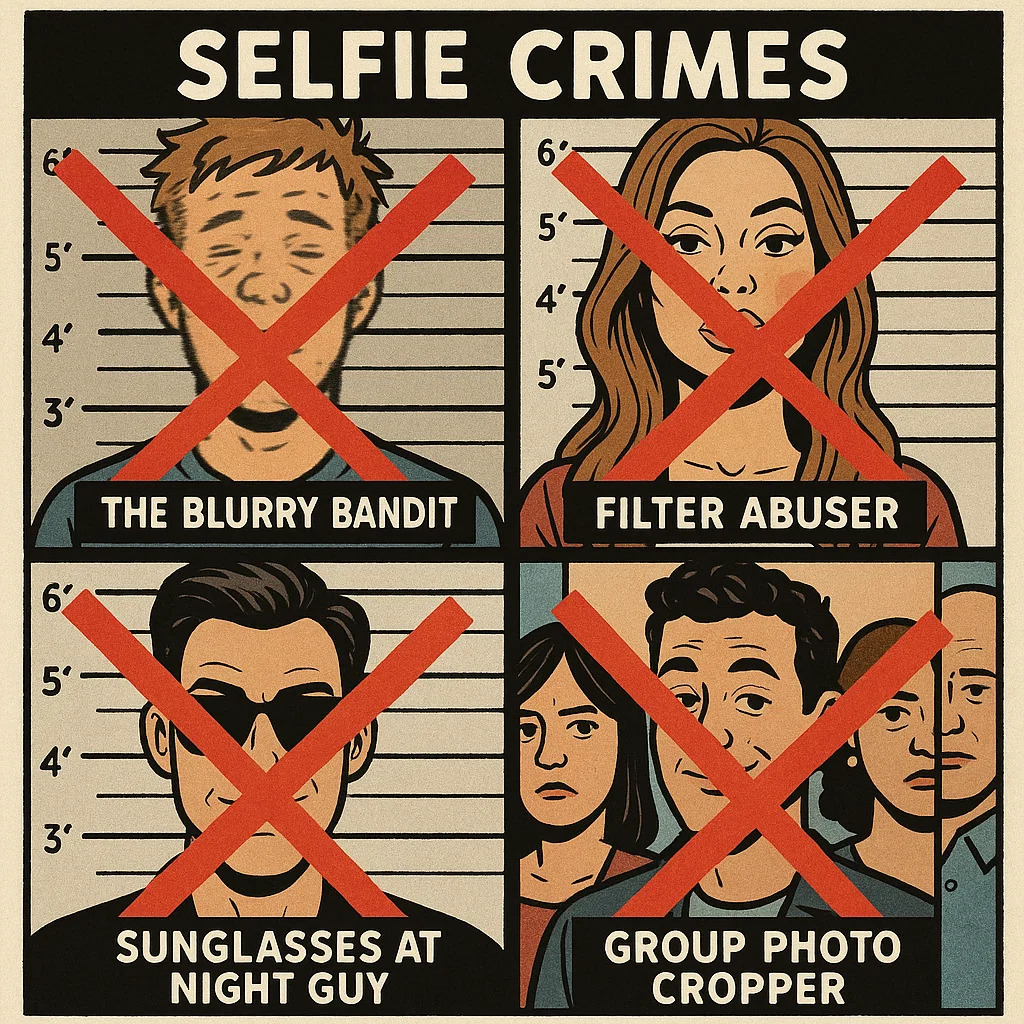
- No group shots: Extra faces confuse the AI (it's smart, but not that smart).
- No beauty filters: Give the model real skin tone.
- Keep sunglasses off: The AI needs your eyes.
- Ten photos minimum: Fifteen is ideal.
- Change light slightly: Window left, window right. Stops over-fitting.
Quick tip: If in doubt, shoot one more frame. Extra data rarely hurts; missing angles always do.
3) Train Your Private Model in Under Ten Minutes
3.1 One-minute setup
- Sign in at MyPicNow.
- Click on the top right Create AI model.
- Upload your Selfie Images and hit Create AI Model.
3.2 Seven-minute training
During training your dashboard shows a little progress ring. Go answer Slack or make coffee. When the ring is green your model is live.
3.3 Eight-second generation
Type a prompt such as
"professional model, LinkedIn headshot, neutral office background, soft light, subtle smile"
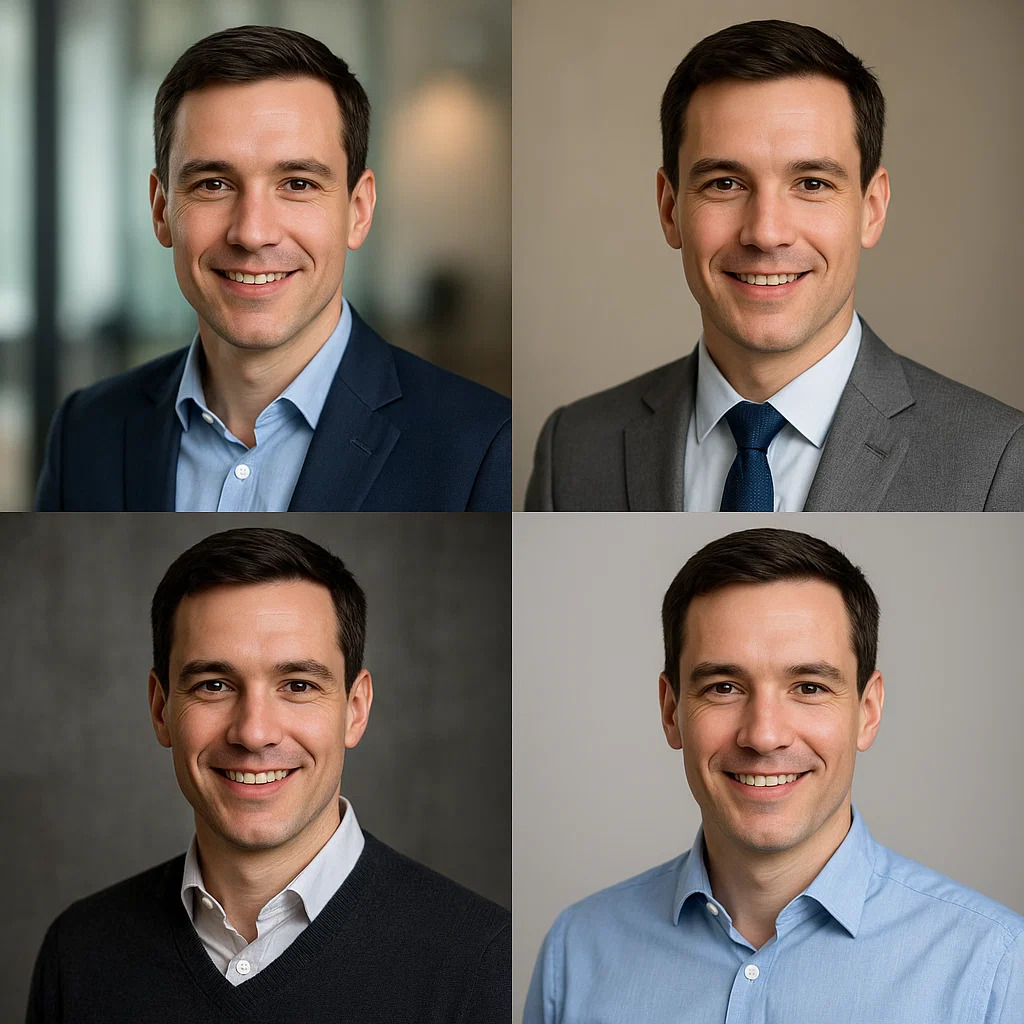
and tap Generate. Four images land almost instantly. Keep the best, bin the rest, regenerate until happy.
4) Four Variables That Make or Break a Headshot
4.1 Light
- Soft, front-facing light smooths skin without erasing texture.
- Bounce bright glare with a white sheet of paper under your chin.
- Avoid mixed bulbs + daylight; skin tone shifts from frame to frame.
4.2 Background
Need harmony? Grab a free set of Background Pics for LinkedIn and match the wall tint. These Background Pics for LinkedIn will save you from the dreaded "default blue banner".
4.3 Crop
- Eyes one-third from the top.
- Leave a thumb-width of headroom. Tight crops feel cramped on dark-mode feeds.
- Square keeps you future-proof; every platform can downscale square.
4.4 Outfit
Stick to solid mid-tones—navy, charcoal, muted teal. Thin stripes shred under JPEG compression; neon distracts. Unless you're a DJ, then maybe the neon works?
5) Multi-Platform Magic From One Model
MyPicNow lets you export every common ratio in one click. The LinkedIn Profile Photo Generator mode is just the beginning:
- 1 × 1 – Professional LinkedIn Headshot, GitHub, X avatar.
- 4 × 5 – Instagram feed.
- 16 × 9 – Webinar banner, YouTube cover.
- 98 × 98 circle – WhatsApp Profile Photo, Slack, Microsoft Teams, Gmail.
Because they all come from the same private model your brand stays tight everywhere.
6) Seven Common Mistakes (and Easy Fixes)
| # | Problem | Why it hurts | Fast fix |
|---|---|---|---|
| 1 | Dim Selfie Images | Blurs detail, dull eyes | Face a window, ISO < 400 |
| 2 | Beauty filter | Model thinks plastic skin is real | Shoot raw, no filter |
| 3 | Sunglasses | Hides eyes, drops trust | No shades, always |
| 4 | Group photos | AI may learn wrong face | Solo shots only |
| 5 | One expression | Limited smile data | Add neutral + light smile |
| 6 | Identical angles | Model over-fits | Shift camera slightly |
7) Real-World Wins (Mini Case Studies)
Nina — UX Designer, Berlin
- Uploaded 12 window-lit Selfie Images.
- Chose "neutral office, soft light" style for her corporate headshot.
- Result: +24% LinkedIn views inside two weeks.
Raj — Data Analyst, Mumbai
- Used initials avatar for years.
- Trained model with 15 casual phone shots.
- Result: First onsite interview after updating to a proper LinkedIn image.
Maria — Remote PM, São Paulo
- Ran the LinkedIn Profile Photo Generator in MyPicNow, swapped Background Pics for LinkedIn + headshot in one evening.
- Result: HR said her updated profile looked great.
8) Special Use Cases: Beyond LinkedIn
Not everyone needs the same style. Whether you need actor headshots, model headshots, or real estate professional photos, we've got specialized options:
Headshot Actor Special Focus
For those in entertainment, the Headshot Actor style offers:
- More dynamic lighting options
- Expression variations that showcase range
- Neutral backgrounds that casting directors prefer
- Extra cropping options for agency submissions
Model Headshot Enhancements
The Model Headshot preset includes:
- Fashion-forward lighting setups
- Industry-standard cropping ratios
- Both commercial and editorial style options
- Batch processing for portfolio variety
Both specialized options use the same AI technology but with fine-tuned parameters for industry-specific results.
9) Photoshoot Apps vs. MyPicNow: What Sets Us Apart
Not all AI headshot generators are created equal. Here's what makes MyPicNow different from generic Photoshoot Apps:
- Personal model training: We learn YOUR face, not a generic approximation
- Lightning-fast generation: 8 seconds after model training
- Multi-platform export: From LinkedIn to WhatsApp in one click
- No weird extra limbs: We've solved those bizarre AI artifacts
10) Two-Minute Action Plan
- Shoot 10 clear Selfie Images facing a window.
- Log in at MyPicNow.
- Upload → click Create AI Model.
- Select some prompts related to Professional LinkedIn Headshot.
- Create a matching WhatsApp Profile Photo while you're at it.
- Publish—watch profile views climb.
Wrap-Up & Call to Action
Your phone + smart AI now outperforms a 2015 studio. Start with strong Selfie Images, train a private model, and let the tool polish—never replace—your real face. In under ten minutes you'll own a Professional LinkedIn Headshot that feels like you on your best day, sized for everything from LinkedIn to WhatsApp Profile Photo updates.
🚀 Generate your headshot in 8 seconds
Q: Are AI headshots good enough for LinkedIn?
Yes. Clear input photos + a tool that trains on your face = natural results that pass recruiter tests.
Q: What size should my banner be?
LinkedIn suggests 1584 × 396 px, but any 4:1 ratio works. Keep file size under 8 MB.
Q: Is it safe to upload my photos?
MyPicNow follows GDPR. Files are encrypted during upload and auto-deleted on request.
Q: Can I reuse my banner on other sites?
Sure, but check each platform's crop. Twitter/X uses 3:1, Facebook uses 820 × 312 px.
Q: How many photos do I need to train an AI model?
Fifteen to twenty selfies from different angles give the best balance of speed and accuracy.
Q: Do I need a good light?
Natural window light works fine. It's important that your face is clearly visible.