How to Turn a Simple Selfie into a High-Quality AI Headshot (Without a Photographer)
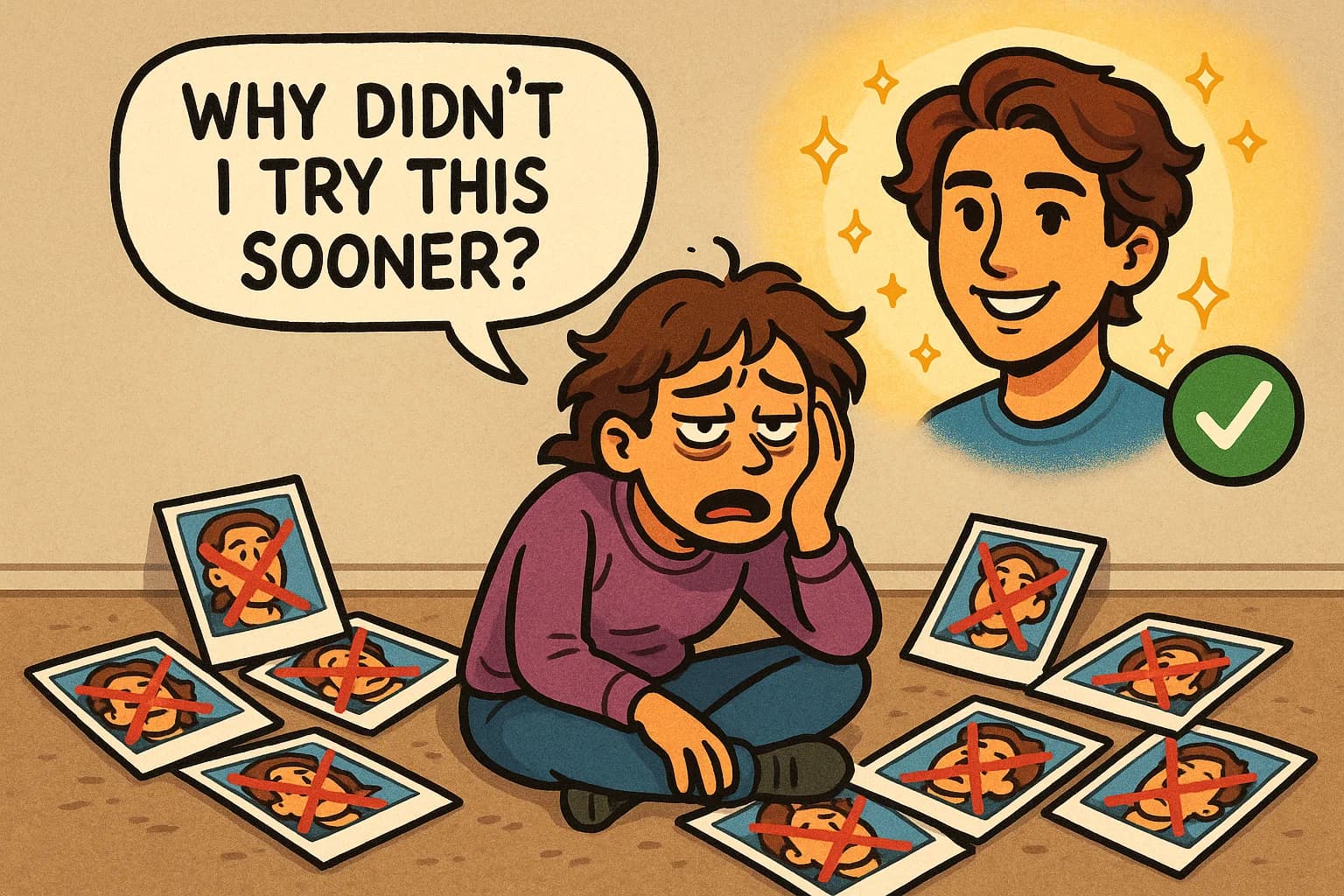
We've all been there. You're updating your LinkedIn profile, applying for jobs, or refreshing your dating app – and you realize you need a decent photo. So you open your camera roll and... yikes.
There's the blurry bathroom mirror selfie. The group photo where everyone looks great except you. The vacation shot where you're squinting into the sun. And that one Professional LinkedIn Headshot from 2019 that makes you look like a completely different person.
Here's the thing: you don't need to book an expensive photoshoot or spend hours trying to nail the perfect selfie. With the right approach and AI Headshots technology, you can transform your selfie images into professional portraits that actually look like you – just better.
Main Takeaway
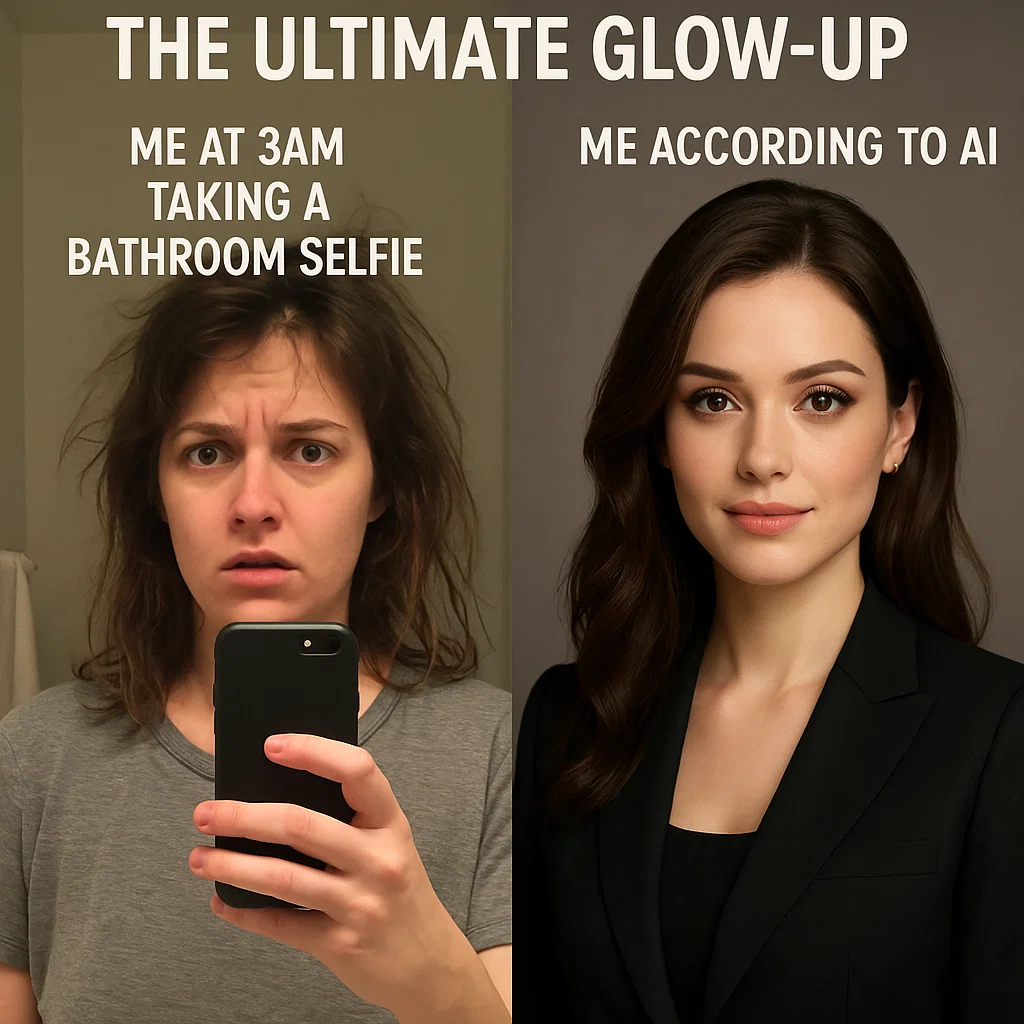
Your phone already takes pretty good photos. The problem isn't your camera – it's everything else. Lighting, angles, backgrounds, and timing all work against you. AI Headshot Generators can fix these issues by learning your face from multiple consistent selfie images and generating professional photos with perfect lighting, backgrounds, and composition. The best part? It still looks authentically like you.
Why Most Selfies Fail as Professional Photos
Let's be honest about why that selfie on your phone won't work for your Professional LinkedIn Headshot or WhatsApp Profile Photo:
The Technical Problems
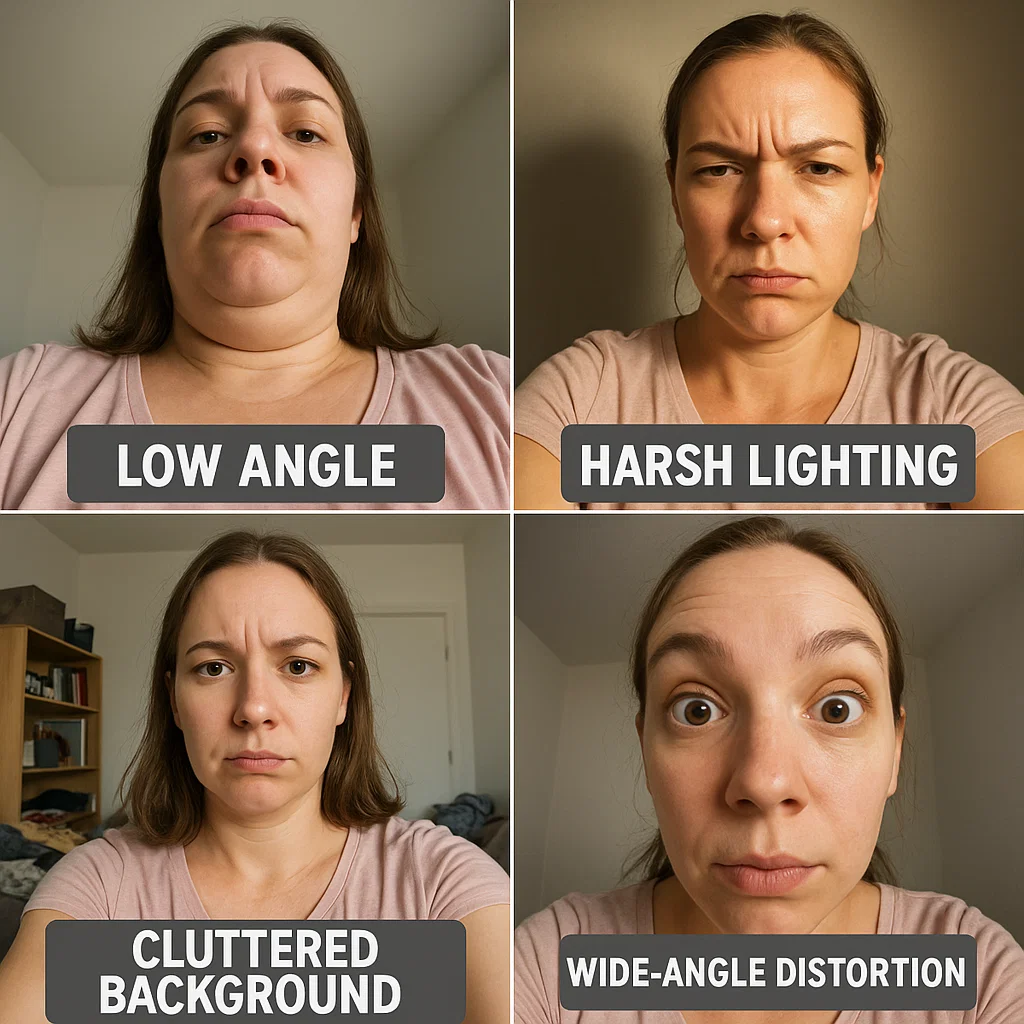
Wide-angle lens distortion: Your phone's front camera uses a wide-angle lens that makes your nose look bigger and your face appear wider than it actually is. It's great for group shots, terrible for close-ups that need to work as a Professional LinkedIn Headshot.
Harsh lighting: Whether it's overhead office lighting or that ring light you bought on Amazon, most lighting setups create unflattering shadows under your eyes and nose – exactly what you don't want in AI Headshots.
Wrong camera height: Most people hold their phone at chest level, shooting up at their face. This angle makes you look like you're in an interrogation room, not suitable for a WhatsApp Profile Photo or professional use.
Busy backgrounds: Your bedroom wall might seem neutral to you, but that pile of laundry in the corner tells a different story. This is why Background Pics for LinkedIn matter so much in professional photography.
The Psychological Problems
Self-consciousness: When you're holding the camera, you're thinking about how you wanna look like instead of relaxing into a natural expression suitable for AI Headshots.
Timing issues: You take 47 photos trying to get the timing right, and by photo 30, your smile looks more forced rather than relaxed.
Analysis paralysis: You've stared at your selfie images for so long that you can't tell which photo actually looks good anymore.
Sound familiar? You're not alone. This is exactly why traditional photography exists – and why AI Headshots and LinkedIn Profile Photo Generator tools are revolutionizing the entire process.
How AI Solves the Selfie Problem
Here's what happens when you use a AI Headshot Generator like MyPicNow:
Step 1: AI Learning Phase
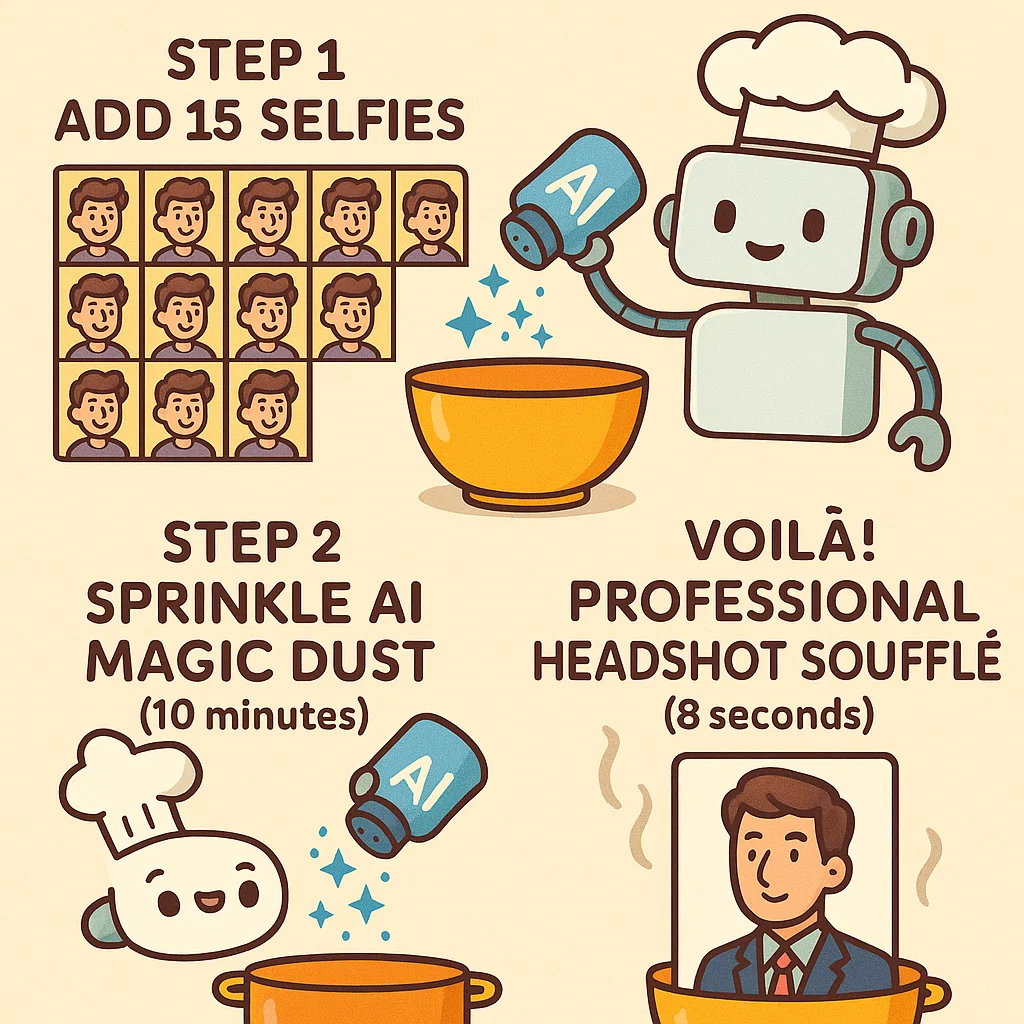
You upload 10-15 of your best selfie images (we'll cover what "best" means below). The AI learns your facial structure, expressions, and features from different angles. This isn't face-swapping – it's learning what you actually look like for authentic AI Headshots.
Step 2: Professional Enhancement
The AI applies professional photography principles: proper lighting ratios, flattering angles, and clean Background Pics for LinkedIn style settings. It corrects for phone camera distortion and enhances image quality without making you look plastic or fake.
Step 3: Style Customization
Want a corporate Professional LinkedIn Headshot? A Headshot Actor style for casting calls? Model headshots for your portfolio? A casual WhatsApp Profile Photo? MyPicNow Studio can create different versions matched to your specific needs.
The Complete Step-by-Step Process
Phase 1: Gathering Your Source Selfie Images (15 minutes)
What you need: 10-15 clear Selfie Images taken over different days, with varying expressions and angles – the foundation for quality AI Headshots.
The golden rules for professional-quality Selfie Images:
- Natural window light is your friend (face the window, don't have it behind you)
- Keep your face 60-70% of the frame
- Include straight-on shots and slight left/right angles
- Mix of expressions: neutral, slight smile, genuine laugh
- No sunglasses, hats, or heavy filters
- Solo shots only (the AI needs to focus on just your face)
Pro tip: Take these Selfie Images over 2-3 different days. Your face looks slightly different depending on sleep, stress, and even what you ate. This variety helps the AI algorithm understand your natural range.
Phase 2: Training Your Personal AI Model (5-10 minutes)
-
Sign up at MyPicNow – Unlike generic Photoshoot Apps, our process focuses on creating personalized AI Headshots.
-
Upload your Selfie Images collection – Drag and drop your selected photos. The system will analyze them for quality and let you know if any need to be replaced.
-
Start the training process – This is where the magic happens. The AI creates a custom model based on your unique facial features. Unlike generic Photoshoot Apps that guess what you look like, this model actually knows you.
Phase 3: Generate Professional AI Headshots (8 seconds)
Once your model is trained, generating new photos is lightning fast:
- Choose your style – Professional LinkedIn Headshot, Headshot Actor, casual, or industry-specific
- Pick your vibe – Confident, approachable, authoritative, or friendly
- Generate – AI Headshots appear in 8 seconds
The variety is impressive: You can create different looks for your Professional LinkedIn Headshot, company websites, a WhatsApp Profile Photo, or Headshot Actor portfolios – all from the same trained model.
![Screenshot of MyPicNow interface showing style and background options]](/blog/mypicnow-studio.webp)
What Makes This Different From Other Photoshoot Apps
Personal Model vs. Generic AI
Generic Photoshoot Apps (like ChatGPT's image generator or Midjourney) use pre-trained models that try to guess what your face should look like. Results often look "AI-ish" or like an attractive stranger who vaguely resembles you.
MyPicNow's LinkedIn Profile Photo Generator approach trains a custom model specifically on your Selfie Images. The AI learns your unique features, expressions, and angles. The result? AI Headshots that actually look like you – not some idealized version.
Common Mistakes That Kill Your AI Headshots Results
Even with the AI Headshot Generator, certain mistakes will hurt your final AI Headshots. Here's what to avoid when preparing your selfie images:
Input Photo Mistakes
| Mistake | Why It Hurts | Better Approach |
|---|---|---|
| Using filtered/edited selfie images | AI learns fake skin texture and unrealistic features | Upload raw, unfiltered selfie images only |
| All selfie images from same angle | AI gets limited understanding of your face structure | Include front-facing, 3/4 left, and 3/4 right views |
| Inconsistent lighting in selfie images | Confuses AI about your natural skin tone and features | Use similar lighting conditions across all photos |
| Low resolution or blurry selfie images | AI can't capture fine facial details accurately | Use your phone's highest quality setting |
Generation Mistakes
Being too ambitious with style changes: Our AI works best when enhancing your natural look, not completely transforming it.
Ignoring your industry context: A creative director's AI Headshots should feel different from a financial advisor's professional headshot. Consider where the photo will be used.
Not generating enough variations: Don't settle for the first result. Generate 10-15 AI Headshots variations to find the one that feels most "you."
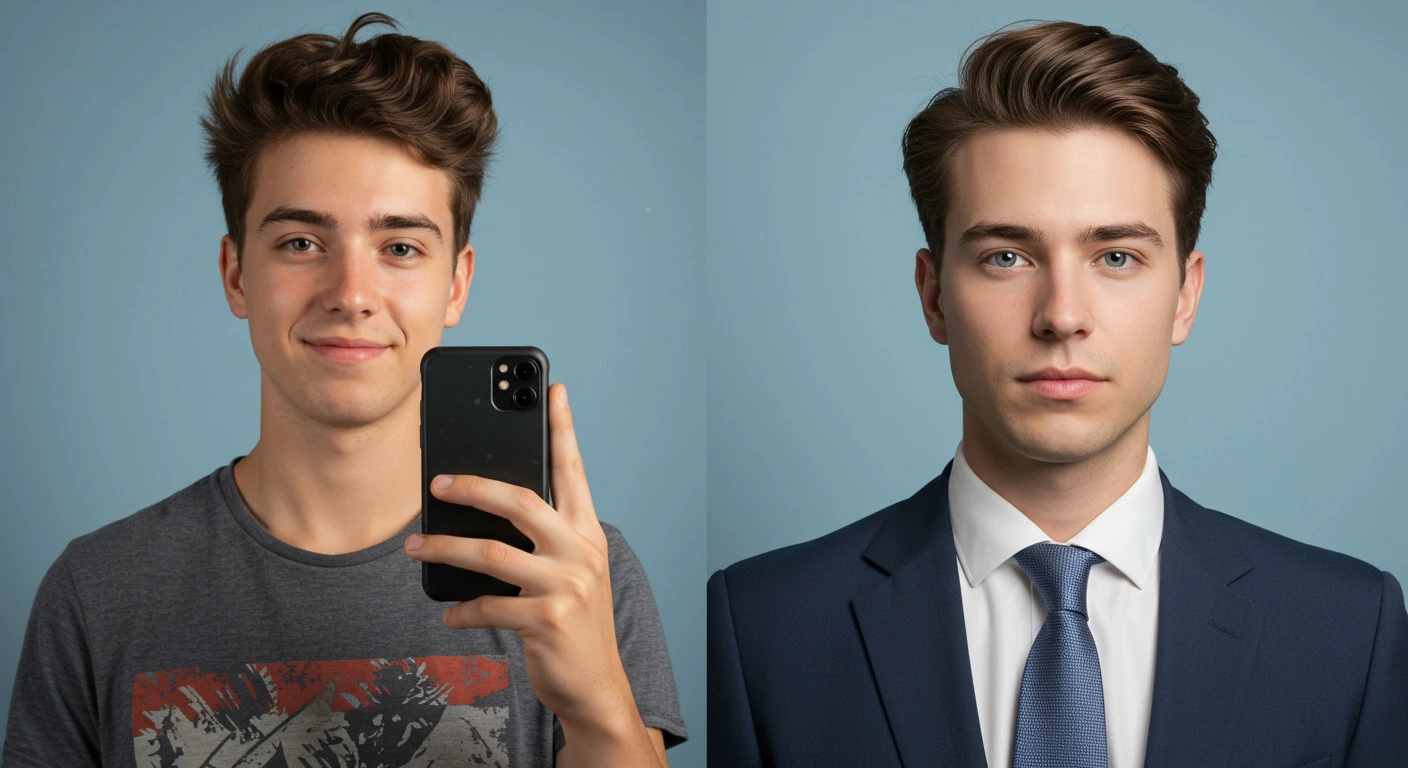
Real Results: Before and After Analysis
Let's look at what actually changes when you transform selfie images into professional AI Headshots using a AI Headshot Generator:
The Technical Improvements
Lighting enhancement: Harsh shadows disappear, skin tone becomes more even, and your eyes get that professional "catchlight" that makes you look more engaging in your Professional LinkedIn Headshot.
Composition correction: Your face gets positioned at the optimal spot in the frame, and the crop is adjusted for different platform requirements – perfect for a WhatsApp Profile Photo or Headshot Actor portfolio.
Expression refinement: The AI Headshots can capture you at your most natural, confident expression – no more forced smiles or awkward timing.
The Psychological Improvements
Confidence boost: When you look good in your AI Headshots, you feel more confident in professional situations.
Consistency across platforms: All your professional photos have a cohesive, polished look that strengthens your personal brand.
Reduced photo anxiety: No more dreading the moment someone asks for a Professional LinkedIn Headshot or updated photo.
Platform-Specific Optimization for AI Headshots
Different platforms have different requirements and expectations. Here's how to optimize your AI Headshots for each using MyPicNow:
Professional LinkedIn Headshot
Style: Clean, corporate, trustworthy Background: Office environment or neutral Expression: Confident but approachable Clothing: Business appropriate for your industry Crop: Head and shoulders, face takes up 60% of frame
Dating App Photos
Style: Warm, genuine, attractive but not overly polished AI Headshots Background: Subtle, non-distracting Expression: Natural smile, relaxed Clothing: What you'd actually wear on a date Tip: Generate multiple styles
WhatsApp Profile Photo
Style: Friendly, approachable, professional but personal Background: Clean but simple Expression: Warm, genuine smile Crop: Square format, optimized for small display sizes Quality: High resolution but file size optimized for messaging
Headshot Actor Portfolio
Style: Natural, shows personality and range Background: Simple Background Expression: Range of emotions depending on type (commercial vs. dramatic) Quality: Highest resolution AI Headshots available Variety: Multiple looks depending on the role you are applying
Click on any image to view in full quality
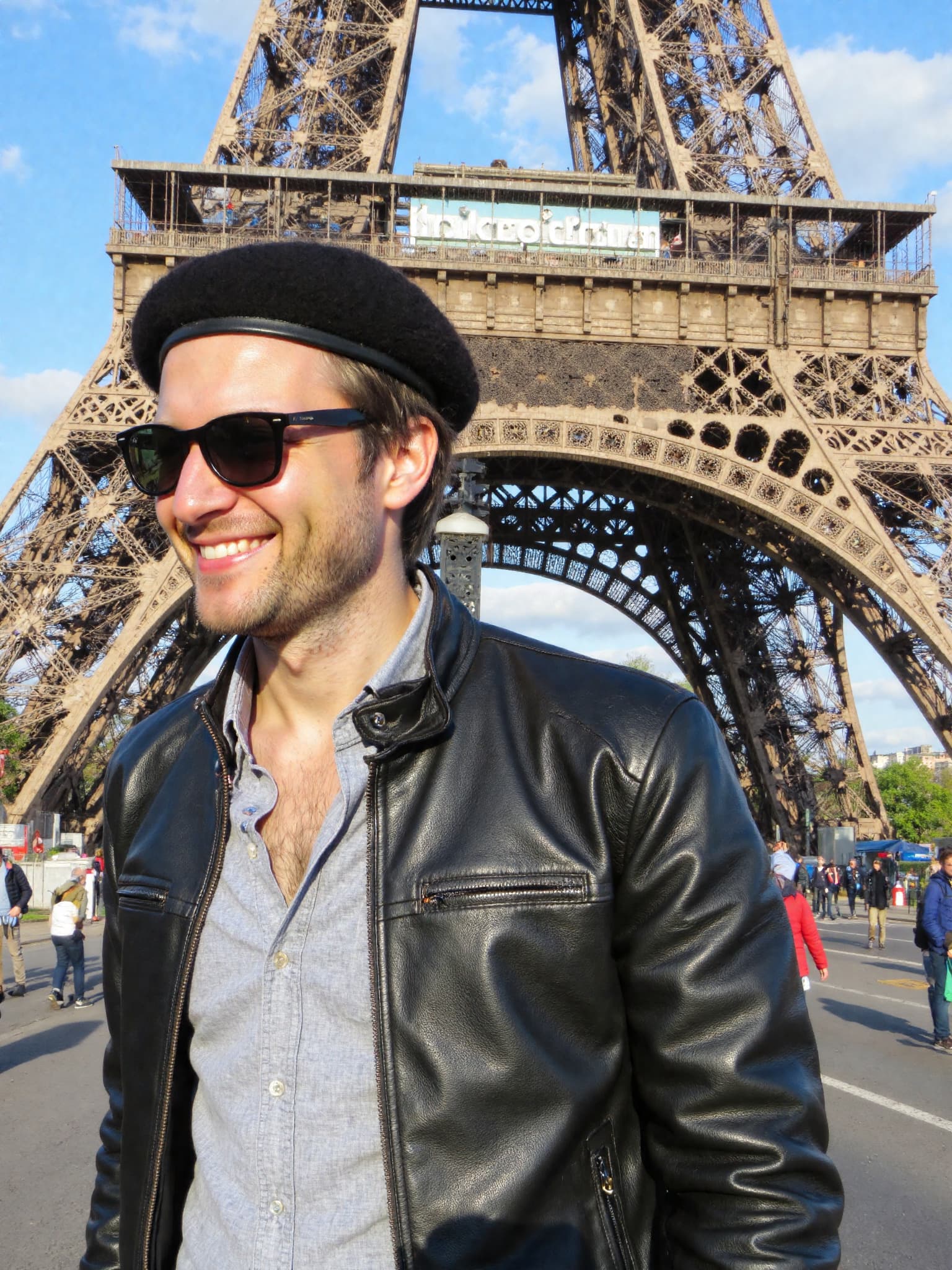
LinkedIn Professional - Natural lighting with corporate background
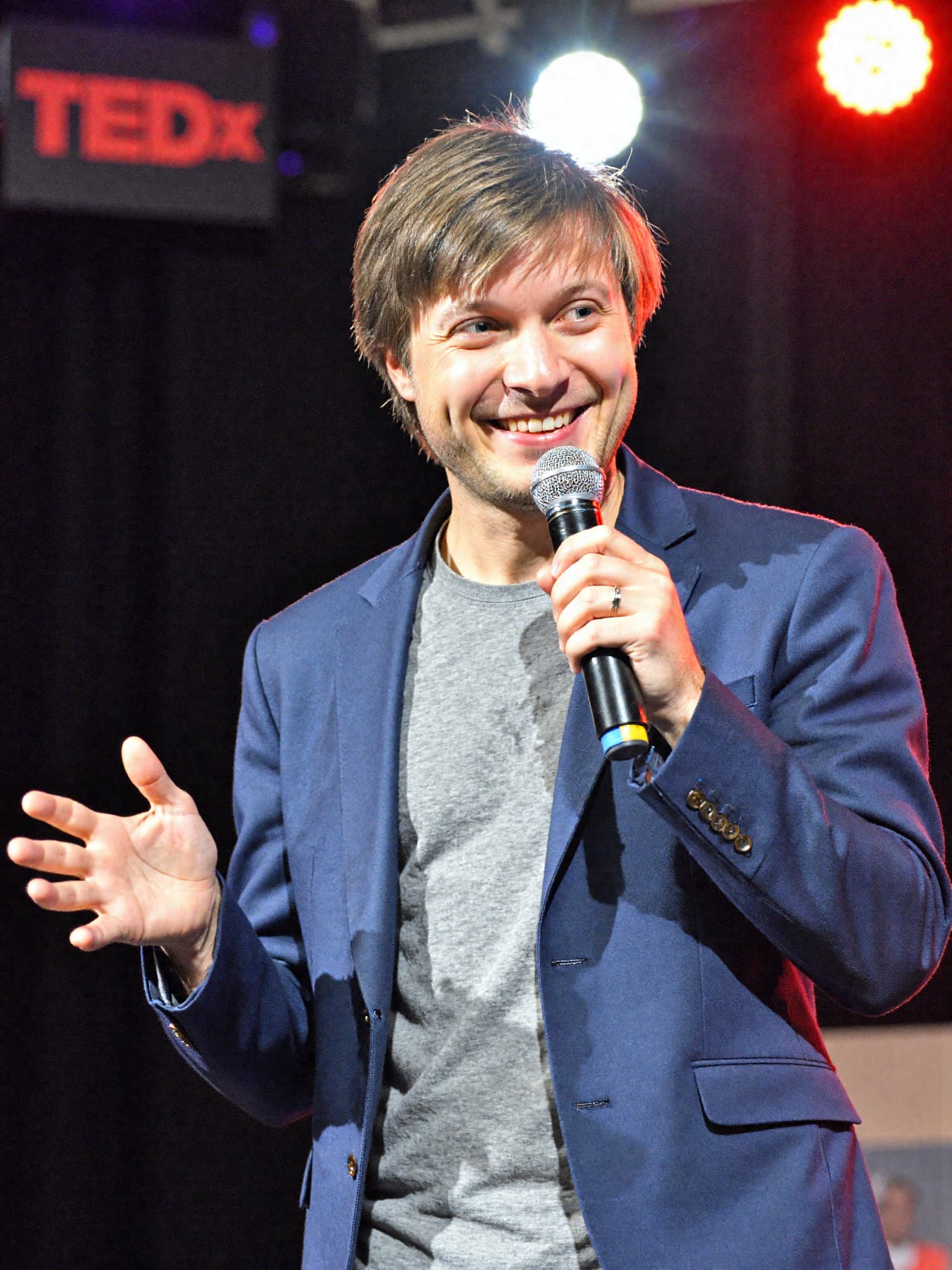
Executive Style - Studio lighting with neutral backdrop
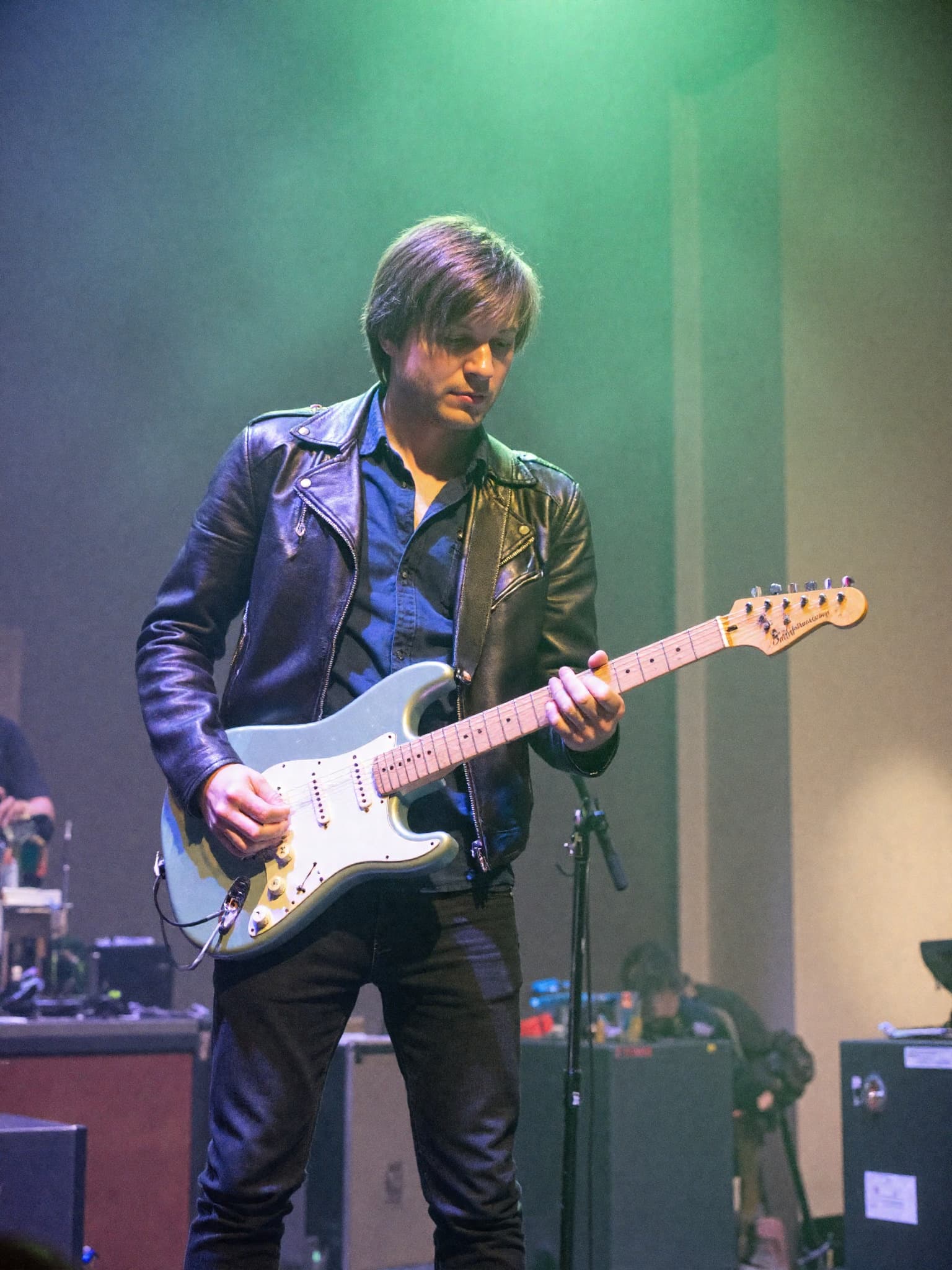
Creative Professional - Artistic lighting for creative industries
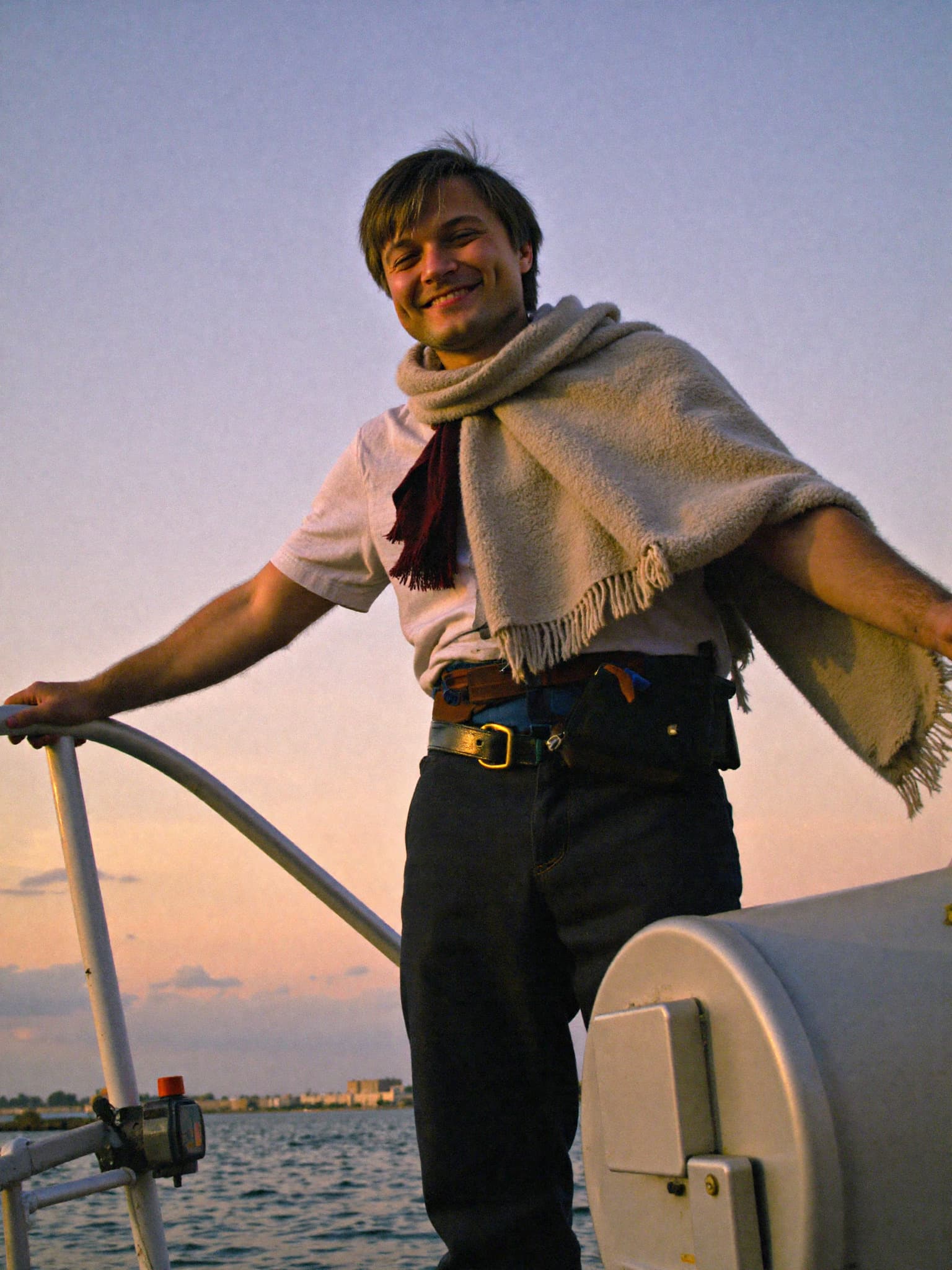
Casual Professional - Natural outdoor lighting for approachable look
4 images • Click to enlarge
The Economics: AI Headshots vs. Traditional Options
Let's talk about the elephant in the room – cost. Here's how AI Headshots compare to your other options:
| Option | Cost | Time Investment | Results | Flexibility |
|---|---|---|---|---|
| Professional Photographer | $300-800 | Half day + travel | Excellent (if you like them) | Limited, expensive to redo |
| DIY Selfie Images | Free | Hours of trial and error | Usually unprofessional looking | High effort, poor results |
| MyPicNow | $19+/month | 20 minutes total | Professional AI Headshots quality | Unlimited variations |
The value proposition is clear: For less than the price of one professional photoshoot. And unlike DIY selfie images that often look amateurish, you get consistently high-quality results every time.
Advanced Tips for Power Users
Once you've mastered the basics of creating AI Headshots from Selfie Images, here are some advanced techniques:
Seasonal Updates
Generate new AI Headshots quarterly to keep your Professional LinkedIn Headshot current. Slight changes in hair, facial hair, or style can be reflected without new photoshoots.
A/B Testing Your Photos
Try different AI Headshots styles and track which ones get better responses on LinkedIn, dating apps, or job applications. MyPicNow Studio makes it easy to experiment.
Industry-Specific Customization
Adjust your look for different opportunities. Consulting work might require a more formal Professional LinkedIn Headshot than startup environments. Headshot Actor portfolios need different styling than corporate photos.
Building a Photo Library
Create a collection of different AI Headshots for various uses: speaking events, company directories, social media, professional networking, and even a polished WhatsApp Profile Photo.
Troubleshooting Common AI Headshots Issues
"The AI Headshots don't look like me"
- Upload more varied selfie images, especially different angles
- Ensure your Selfie Images are high quality and well-lit
- Try adjusting the creativity vs. resemblance slider to be less strong
"The quality isn't professional enough for my Professional LinkedIn Headshot"
- Check that you're using the highest quality generation settings
- Make sure your selfie images meet the minimum resolution requirements
- Consider upgrading to premium quality plan
"The expressions look unnatural in my AI Headshots"
- Upload selfie images with more natural, relaxed expressions
- Avoid uploading photos where you're forcing a smile
- Include some photos with neutral expressions, not just smiling
Your Next Steps
Ready to transform your Selfie Images into professional AI Headshots? Here's your action plan:
-
Gather 10-15 selfie images using the guidelines above (or take new ones)
-
Sign up at MyPicNow and train your personal AI model
-
Generate multiple AI Headshots variations for different platforms and use cases
-
Update your profiles with your new Professional LinkedIn Headshot, WhatsApp Profile Photo, and other AI Headshots
The days of avoiding photo updates because you don't have good images of yourself are over. Your phone, AI Headshots technology, and 15 minutes of effort can give you results that rival expensive studio sessions and outperform traditional Photoshoot Apps.
🚀 Transform Your Selfies into AI Headshots
FAQ
Q: How many selfie images do I need to upload for good AI Headshots results?
A: 10-15 high-quality selfie images give the best results. More variety in angles and expressions helps our algorithm understand your face better, but quality matters more than quantity.
Q: Will AI Headshots look obviously artificial compared to traditional Photoshoot Apps?
A: Not with the right AI technologty. Because MyPicNow trains on your specific selfie images, the results look authentically like you – just with better lighting and professional setup.
Q: How often should I update my profile picture?
A: Whenever your appearance changes significantly (new hairstyle, facial hair, glasses) or every 6-12 months to keep your professional image current.
Q: What if I don't like the AI Headshots?
A: You can generate limited variations with different styles and expressions. If you're still not satisfied, try adjusting your prompts and the guidance scale.
Q: Are my selfie images and data secure when using MyPicNow?
A: MyPicNow follows strict GDPR compliance and data protection standards. Your selfie images are encrypted and you can delete everything at any time.