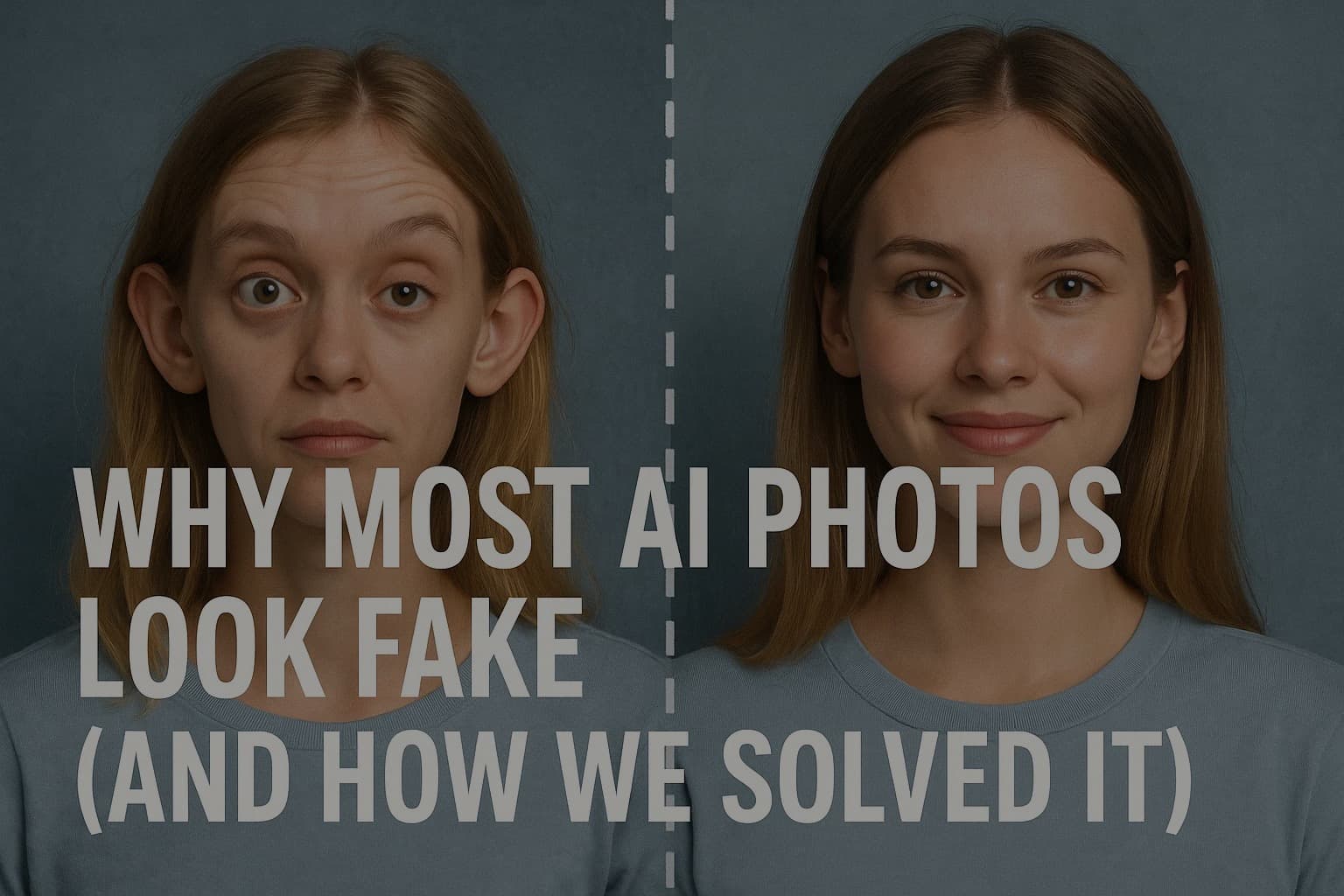
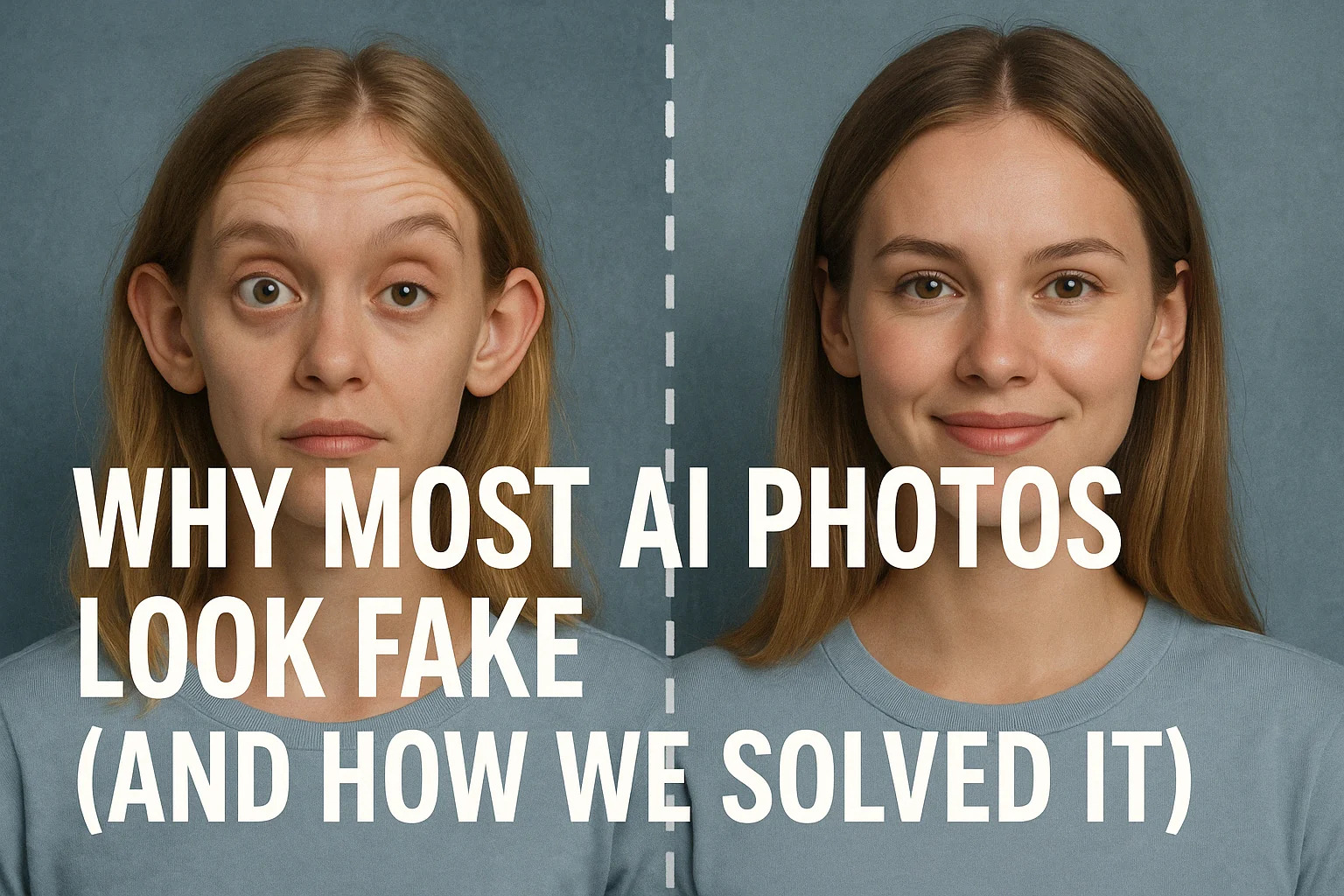
Why Most AI Photos Look Fake (And How We Solved It)
AI is moving fast. Like, really fast. Some of the results are straight-up mind-blowing. But then you try it yourself and suddenly… you have 12 fingers, a plastic face, and look like you stepped out of a Twilight reboot. Not exactly LinkedIn material.
So, what's going on? Why do AI-generated photos look great for public figures like Elon Musk or Trump (we see those AI memes every day), but when you try it, you look like a wax figure with extra limbs?
Let's talk about it — and how using the right AI Profile Picture Generator can actually fix this.
Main Takeaway from This Article
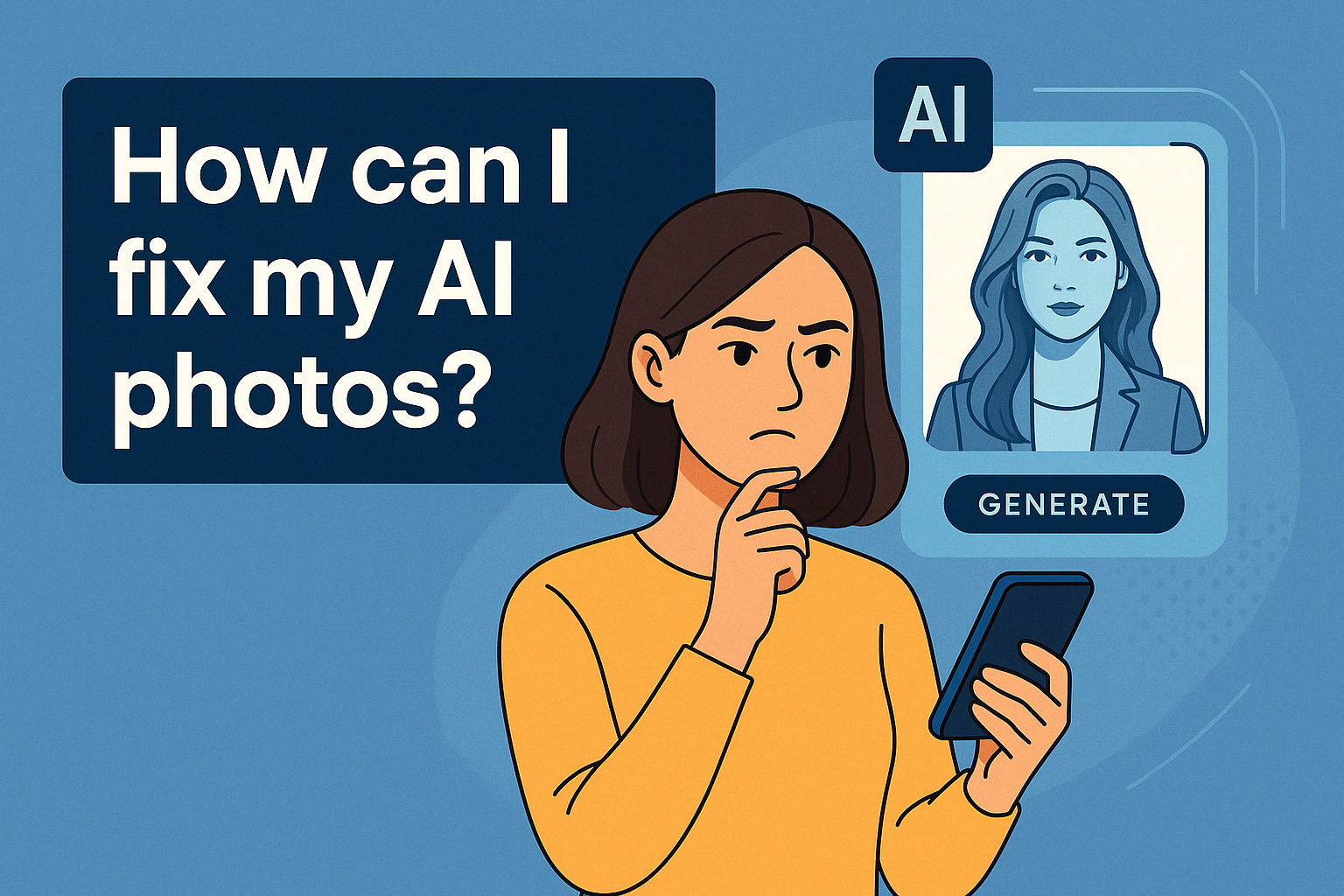
Most AI photo generators look fake because they don't know you. They use generic models and templates that kind of guess what your face should look like. The best results come from tools that let you train a model with your own photos— because that's when an AI Profile Picture Generator can start to actually get it right.
Why It Matters
First impressions happen fast — especially online.
Studies show we form first impressions of a face in less than 100 milliseconds (source: Cognitive Research: Principles and Implications via SpringerOpen). That means if your AI photo looks "off," people might not take the time to get to know the real you. Whether you're on LinkedIn, dating apps, or a professional website — your photo has to look natural and trustworthy, not like a mid-2000s video game avatar.
And let's be honest — if you're going to trust an AI Profile Picture Generator, it should actually make you look good. Not like your doppelgänger from the uncanny valley.
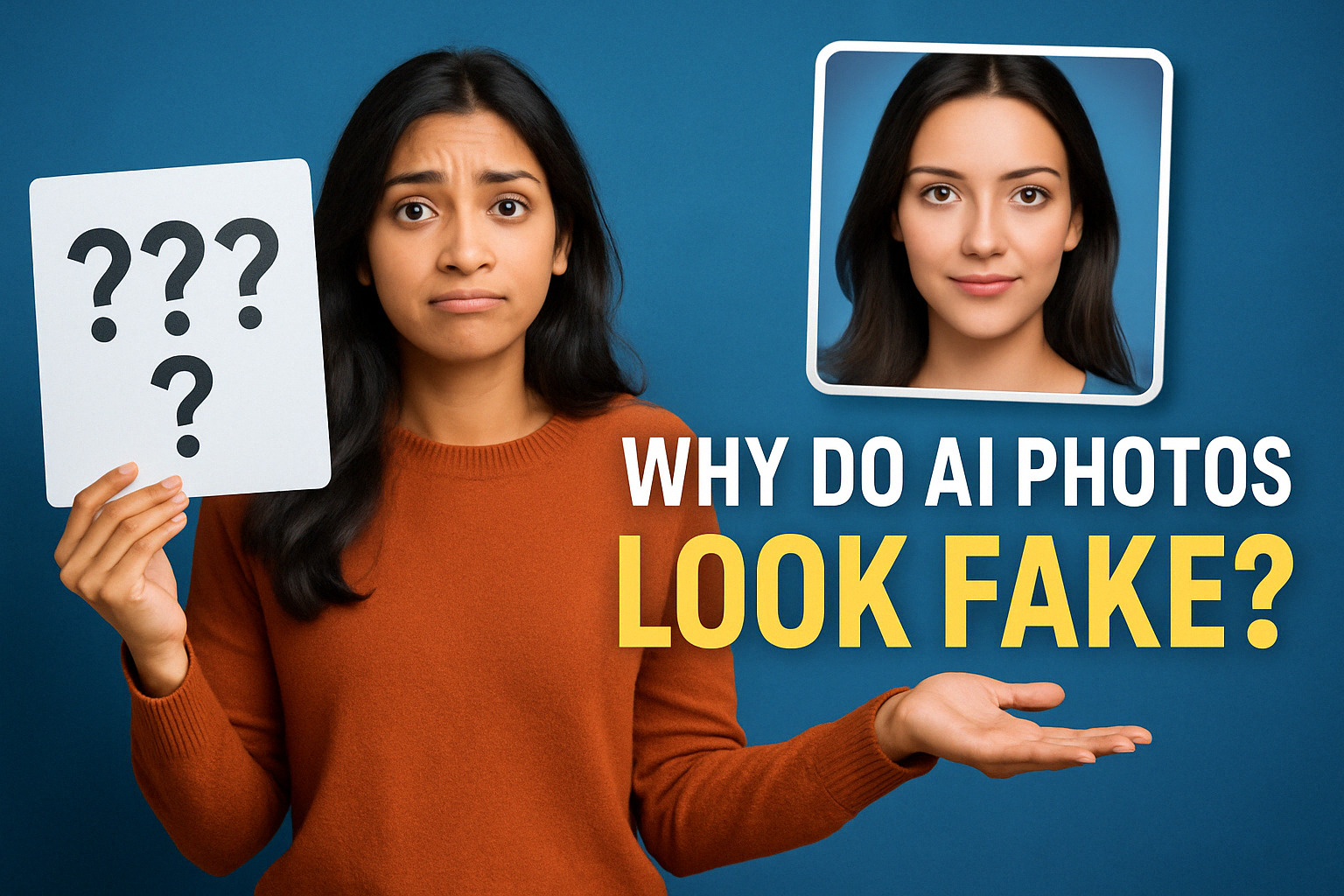
Why Most AI Photos Look Weird (and Sometimes Just… Wrong)
1. Generic Models = Generic Results
Most AI tools use a pre-trained model that hasn't seen your face before. So they just sort of guess. That's why you get weird skin textures, awkward lighting, or an uncanny resemblance to a distant cousin you've never met.
2. Over-Smoothing and "Glow"
You know the look — that plastic skin, the soft blur that makes you look like a vampire. It's because the AI is trying too hard to make you look "good" without actually knowing what you look like in real life.
3. Bonus Fingers and Bizarre Details
Too many fingers, ears that melt into your hair, or hands that seem to grow from nowhere. Classic signs of AI that doesn't understand body structure (and proof that it wasn't trained on you).
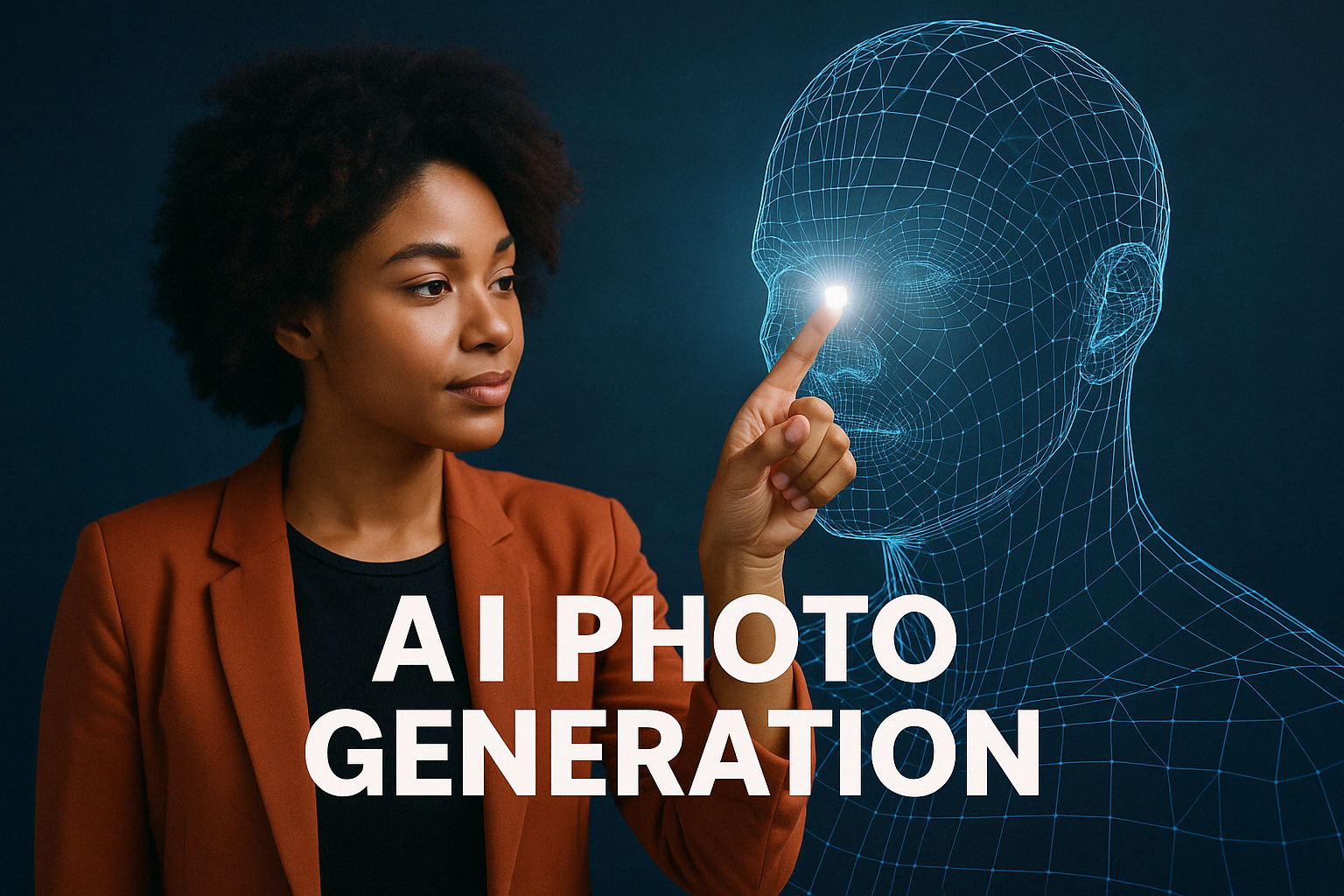
How We Solved It
Here's the secret: train the AI on you.
When you upload 10–20 real photos of yourself, tools like MyPicNow.com build a custom model based entirely on your face — your expressions, angles, and features. No guessing. No weird lookalikes.
It's like giving the AI a full understanding of who you are, so it can generate photos that are sharper, more realistic, and actually reflect you. You, but with better lighting. That's exactly what the right AI Profile Picture Generator should do.
If you're into the tech behind this, there's a great breakdown here: The Technology Behind AI Image Generation – Proxet
Other Perks of Using AI Photo Generators
1. You Save Time
According to StarryAI, you don't need to crop, resize, retouch, or color correct anything manually. The AI does all of it. You go from photo idea to finished image in minutes — no lighting setup, no camera stress.
2. It's Cost-Effective
Skip the expensive photoshoots, the endless outfit changes, or panic-buying a new blazer. AI photos let you explore different outfits, styles, and settings — without spending extra.
3. You Get Creative Control
Once your model is trained, you can generate different moods, expressions, backgrounds, and vibes. Want to look clean-cut for LinkedIn and slightly mysterious for dating apps? Go for it. You're in charge. The right AI Profile Picture Generator gives you options — without needing 400 selfies first.
Tips to Get the Best Results
- Use 10–20 clear photos — No filters, no sunglasses, no blurry shots. Good lighting is your friend.
- Mix it up — Use photos with different expressions, angles, and clothes to help the AI learn.
- Skip the nightclub selfies — Save those for Instagram. For headshots, clean backgrounds and natural light are the way to go.
- Pick the right tool — Choose one that lets you train a personal model (like MyPicNow) and not just paste your face on stock photos. That's what separates a great AI Profile Picture Generator from the rest.
Wrap-Up
AI photos don't have to be fake, weird, or overly edited. With the right tool — one that actually gets to know you — they can be fast, affordable, and genuinely useful.
Whether you need a fresh LinkedIn headshot, a dating profile glow-up, or just want to see yourself looking great without the stress of a photoshoot, MyPicNow.com has your back.
Upload your photos. Train your model. Watch the magic happen — no extra fingers included.
Get started with your own AI model.
FAQ
Q: Why do AI photos look fake?
Most tools use pre-trained models that don't know your face, so the results are generic and often flawed.
Q: What makes MyPicNow different?
It lets you train a personal model using your own photos, which gives you more realistic, consistent results.
Q: Is this really better than a photoshoot?
For most use cases — yes. It's cheaper, faster, and way more convenient. And you can try different looks without changing clothes or locations.
Q: What kind of photos should I upload?
Clear, well-lit photos with your face visible. No sunglasses, no heavy filters, and no group pics.
Q: How long does it take?
Training takes a few minutes. After that, you can generate photos in seconds.