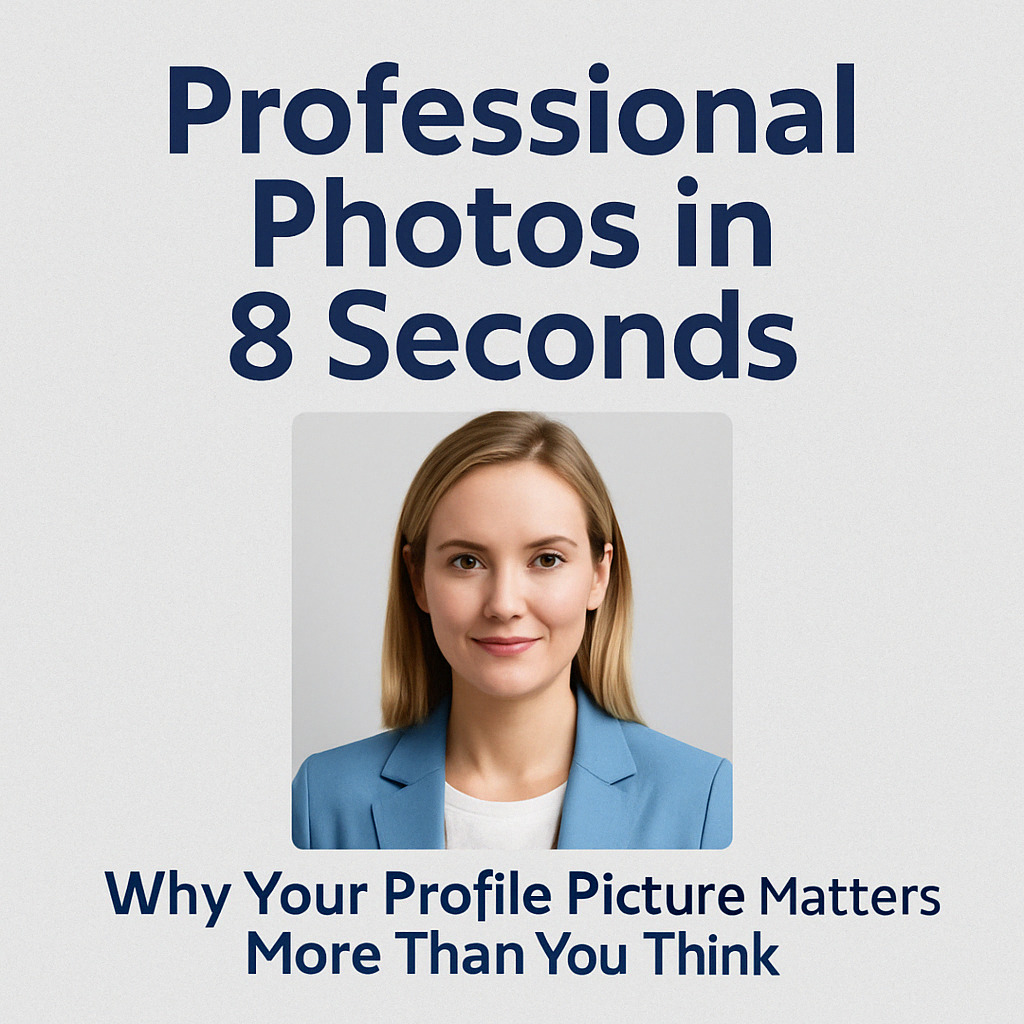
Professional Photos in 8 Seconds with a Realistic AI Photo Generator
Why Your Profile Picture Matters More Than You Think
We live online now — from job hunting to dating to sharing vacation pics. And let's face it: the first thing people see isn't your witty bio or list of skills. It's your profile photo.
Whether it's Instagram, LinkedIn, or your company's "Meet the Team" page (where corporate headshots shine), your photo is your digital first impression. And no pressure... but it really matters.
In this post, I'll walk you through why your profile picture plays such a big role, the psychology behind it, and how AI (yes, really) can help you get a professional, realistic-looking photo in just 8 seconds — without the awkward lighting, studio prices, or 37 outtakes.
Main Takeaway from This Article
Your profile picture says more about you than your headline. The good news? You don't need to hire a photographer or spend a fortune to get it right. With a Realistic AI Photo Generator like MyPicNow, you can create natural-looking, polished profile photos in seconds — and you can control how you show up.
Why It Matters
First impressions are sticky
We all judge a book by its cover — especially when that book is a LinkedIn profile. Psychology studies show that once someone forms a first impression, it's hard to change. According to The Decision Lab, people form snap judgments quickly, often with very limited information. And yes — your profile photo is usually the first and loudest piece of information.
As Psychology Today explains, people carry "metaperceptions" — the beliefs about how others see them. If your photo makes you feel confident, that translates into how you show up — both online and in real life.
Tracey Lane put it perfectly in her LinkedIn article:
"You want your photo to align with the career and the direction you're heading in, not the job you've outgrown."
That means your profile photo needs to do more than just "look good." It needs to feel like you — and match the message you're sending.
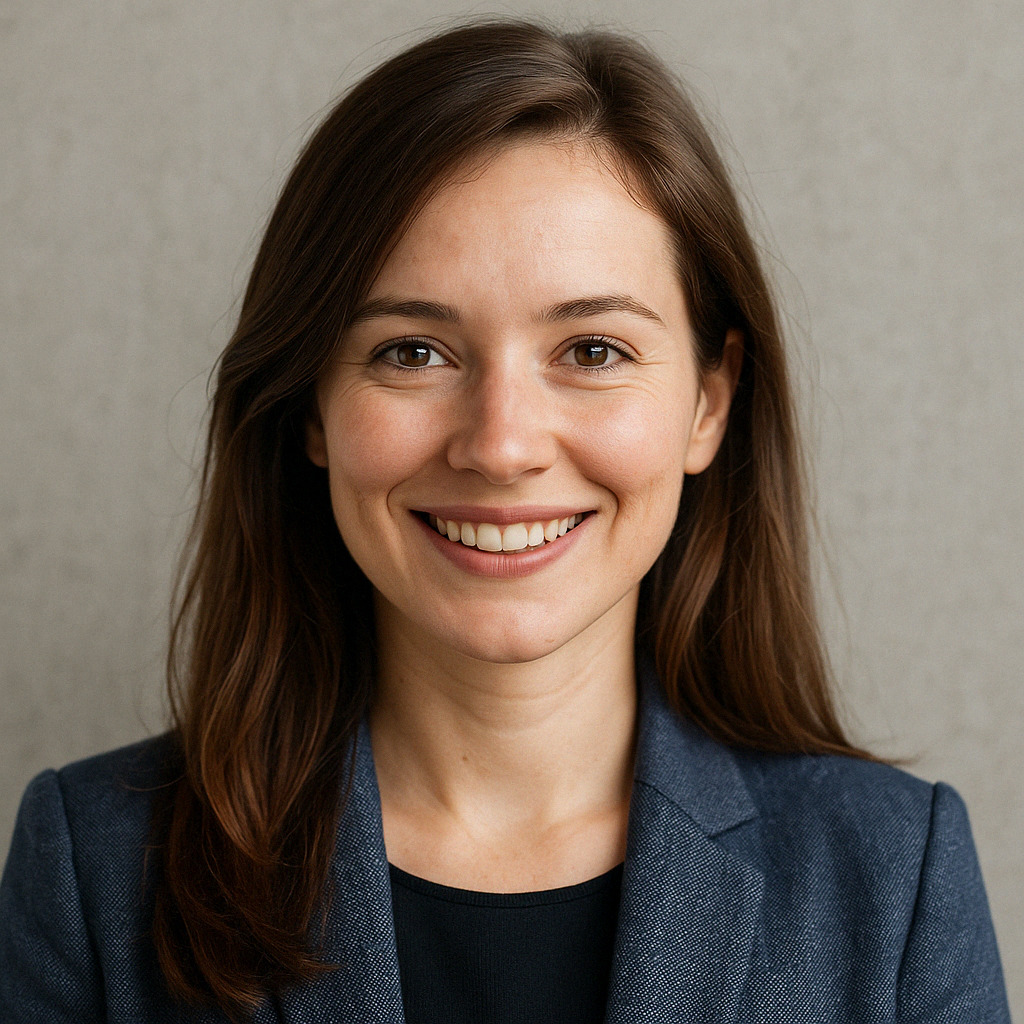
Especially in today's world where most interactions happen online, having the right profile picture is more important than ever before. But let's be honest — finding that perfect profile photo is not easy, but we wish it were easier.
Now, how would you feel if I told you that thanks to the AI revolution, there are tools out there that can create a polished, natural-looking profile picture in just 8 seconds? Sounds unbelievable, right?
But wait, there's more: you can also adjust elements like the background to suit your industry, role, or platform (especially helpful for LinkedIn), or tweak your clothing style to match your personal brand — from startup founder to beach-loving freelancer. The world is literally your oyster when it comes to crafting your ideal photo.
Why It's So Hard to Get a Good Photo
And now you're probably thinking, "Okay, sure, but what about accuracy?"
Trust me, I've been there. I've tried some of these AI tools that turned me into a plastic vampire — the kind of result where the person almost looks like you, but not really.
Let's be real. Getting a solid profile photo is usually:
- Expensive — Photographers charge hundreds, and studio lighting isn't cheap.
- Time-consuming — Booking, prepping, posing, and waiting for edits takes hours.
- Uncomfortable — Not everyone loves being in front of a camera.
- Hit or miss — You can take 100 photos and still hate them all.
Even AI tools have fallen short. Many make you look like a wax figure, someone else entirely, or (let's be honest) a vampire. So how do you actually get a photo that looks like you — and still looks great?
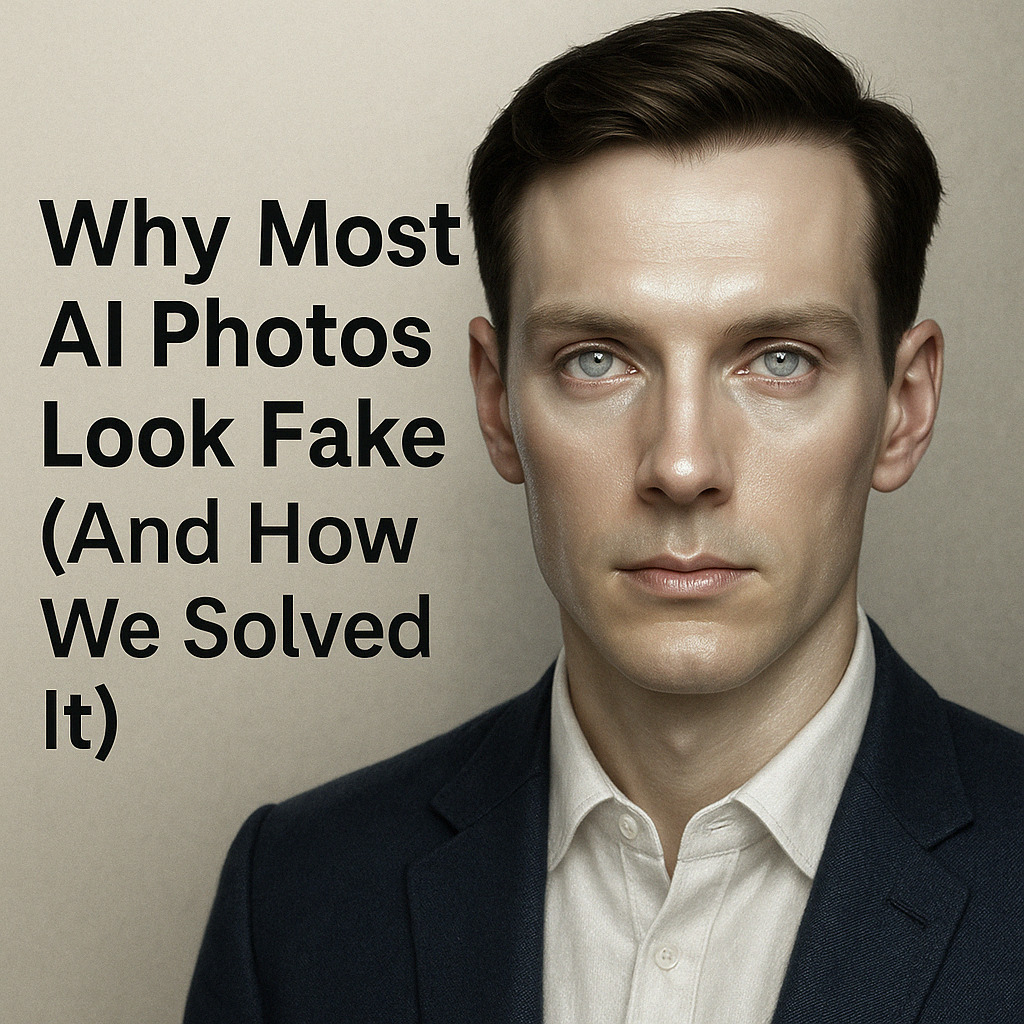
That's why choosing a Realistic AI Photo Generator matters — one like MyPicNow, where you actually train the model using your own photos, so the final image still feels like you (just on your best day, in better lighting).
3 Ways a Realistic AI Photo Generator Can Help
1. You'll actually look like you
Most AI tools work with generic models that try to "guess" your face. That's why the results often feel off. With a Realistic AI Photo Generator like MyPicNow, you upload 10–20 real photos of yourself to train your own AI model. It learns your features, expressions, and angles — and creates images that actually look like you (just with better lighting and fewer awkward angles).
2. Instant results — zero studio needed
You can get a full set of professional-looking profile pictures in 8 seconds. No booking, no waiting, no "can you Photoshop my neck?" emails. Whether you need something more corporate or more relaxed, AI lets you generate different styles with zero extra cost.
3. Personalization without the price tag
Want a plain white background for LinkedIn? A bookshelf for your academic profile? A beach for your travel blog? AI gives you options without needing multiple photoshoots or outfit changes. You can even experiment with clothing styles to match your industry (or just match your vibe).
Tips to Get the Best AI-Generated Profile Picture
- Upload 10–20 good selfies — no group pics, sunglasses, or filters. Keep it real.
- Use a variety of expressions and angles — helps the model learn your natural look.
- Dress how you want to be seen — even if the AI handles clothing, start with strong inputs.
- Think about your platform — LinkedIn, Instagram, a portfolio site… tailor your style accordingly.
Final Thoughts
Getting the right profile photo used to be a pain. Now? Not so much.
A Realistic AI Photo Generator like MyPicNow helps you show up online the way you want to — confident, professional, and true to you. You don't have to fake it, stress about lighting, or pose in front of a brick wall.
Just upload your photos. Let the AI do the work. And pick the one that feels most you.
Create your next profile photo in 8 seconds now
FAQ
Q: How do I know the AI photo will look like me?
Because you train it using real photos of yourself. That's the key to making it look natural, not fake or over-polished.
Q: Is MyPicNow a Realistic AI Photo Generator?
Yes — it's designed to focus on realism and personalization. You create your own model and generate accurate, high-quality results.
Q: What kind of photos should I upload?
Selfies with clear lighting, no filters or hats. Avoid blurry or low-res images.
Q: Can I use these for LinkedIn?
Absolutely. You can even choose backgrounds and styles that fit different industries — from finance to tech to creative.
Q: How fast is it?
Once your model is trained, you can generate your photos in just 8 seconds.