10 Best AI Headshot Generators in 2025
Ever looked at an AI-generated photo and thought, "This looks way too perfect—why is my skin so shiny?" Yeah, we've all been there.
Choosing the right AI headshot generator doesn't have to feel like online dating—hoping for something great but ending up disappointed. To spare you the frustration, I've compared the best AI headshot generators of 2025.
In this post, you'll get my hands-on take on ten popular platforms — what impressed me, what missed the mark, and who each one is actually good for. I'll share my experience (the good, the bad, and the ugly) so you can find the best AI headshot generator for your needs. Let's dive in!
How We Rated Our AI Headshot Results
We evaluated each AI headshot generator using four key criteria:
✓ Onboarding Experience
Are you likely to run into issues when generating your own AI headshots? We assessed how intuitive the process was, how many photos were required, and whether the instructions were clear.
✓ Photo Quality
Did the AI-generated photos look like a real photo taken by a photographer? We examined lighting, background quality, natural facial expressions, and overall professional appearance.
✓ Likeness
Did the AI-generated photos actually resemble the subject? This is perhaps the most critical factor – even the most polished headshot is useless if it doesn't look like you.
✓ Value
Did we walk away with great headshots at a reasonable price? We considered both quality and quantity of usable images relative to cost.
What Are AI Headshot Generators?
AI headshot generators transform your everyday selfies into polished, professional photos perfect for LinkedIn, company websites, or professional profiles. The process is simple but powerful:
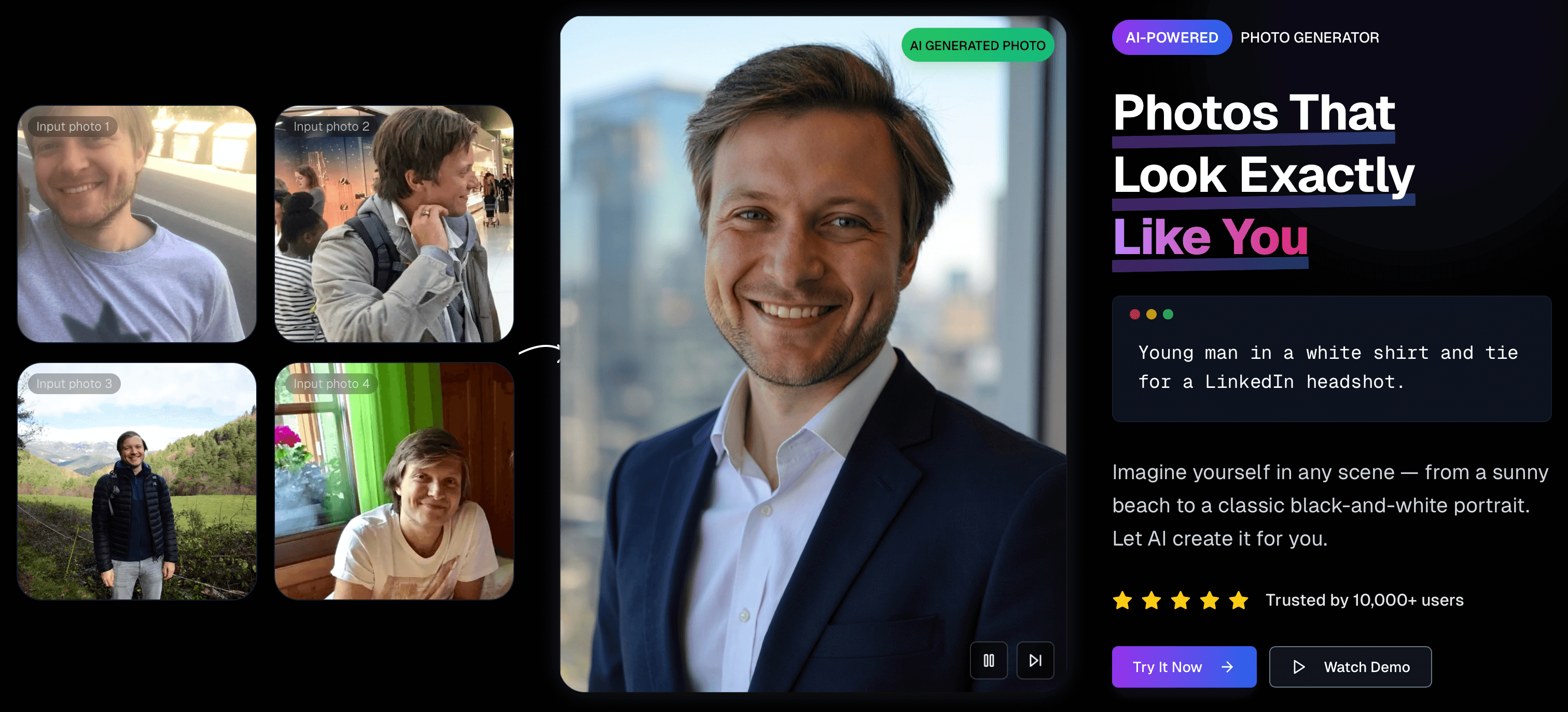
When a service like MyPicNow trains an AI model on your photos, it learns the unique features of your face from multiple angles and expressions. The result? Headshots that actually look like you – just you on your best day.
Main Takeaway
After spending hours researching on the best AI profile picture generators, I discovered that while many offer decent results, the best ones combine realism, speed, value, and customization. MyPicNow stands out for its exceptional realism and generation time (8 seconds) - something no other tool on this list can match.
Before we break down each tool, here's a side-by-side comparison of key features, pricing, and ideal use cases for these AI profile photo generators:
| AI Headshot Generator | Key Features | Pricing | Best For |
|---|---|---|---|
| MyPicNow | Ultra-fast processing (8 seconds), hyper-realistic results, unlimited styles, easy-to-use interface, fully trained on your photos, high customization. | Subscription (starts ~$19/month) – includes ongoing photo generation and 50 generations per month. | Anyone who wants high-quality, realistic headshots without the wait. Perfect for LinkedIn users and professionals who need quick results. |
| BetterPic | 150+ styles (from corporate to casual). Lets you pick outfits, backgrounds, skin tone, eye color, etc. Generates a batch of headshots in under 1 hour. | Pay-per session: $35 for 20 headshots (Starter) up to $39 for 60 headshots (Pro). No free trial. | Professionals needing a high-quality LinkedIn headshot fast. Good for corporate photos or anyone who wants a polished look without a photoshoot. |
| HeadshotPro | Built for speed & volume. Can produce dozens of consistent team headshots for company branding. Simple workflow: upload ~10 photos, choose a style, and get results. | Tiered packages: Starts ~$29 for 40 headshots (ready in ~2 hours). Higher tiers offer more images and styles (e.g. 100+ images for larger teams). | Business teams and LinkedIn users who need multiple professional headshots with consistent style. |
| Aragon AI | Requires ~12 selfies for training a model. Once done, it offers 20+ style presets to customize your photos. For higher tiers, it offers editing tools for eye color, etc. | Mid-range pricing: ~$35 starter (40 photos in ~2 hours) up to ~$75 for faster delivery (~1 hour) and more shots. | Good for professional branding with two backgrounds – as long as you can provide plenty of clear selfies up front. |
| Secta AI | Massive output – generates 100+ headshots in one go. Huge variety of clothing and scenery in results. Includes post-generation editing tools to fine-tune images. | Single plan: ~$49 flat fee. Requires 25+ input photos to train (tedious, but yields tons of results). No cheaper or expensive tiers. | Creatives who want sheer volume and lots of options to choose from. If you're willing to upload many photos and pay a premium, you'll get an entire batch. |
| StudioShot | You pick from various professional lighting/background setups. Emphasizes ease: ~5 minutes of setup, no studio needed. Delivers refined, realistic headshots; offers built-in editing tools and even human retouching until you're satisfied. | Tiered plans starting at $29 (for a basic package). Higher packages ($49–$59) add more styles or faster delivery. | Focus on professionals in medical or legal headshots. Great support and editing make it a white-glove service. |
| TryItOn AI | Fun and flexible styles – offers creative outfit/background themes and outputs 100+ headshots per session. | Budget packs ~$35 for ~20 images. | Good for getting lots of playful variations (different poses, scenes) to pick from. Not the top choice for pure realism – expect to sort through results to find a few gems. |
| ProPhotos AI | Offers a casual approach – works with ordinary selfies. The AI trains ~2–3 hours and then selects the best headshots for you automatically. | Two plans: ~$39 for 40 headshots, ~$49–59 for 100-200 headshots (approximate). Turnaround a few hours. | ProPhotos is a bit forgiving when it comes to quality. The poses can feel a bit stiff or bland according to our tests. |
| AI SuitUp | Focused on corporate professional looks (the name says it!). The training (about 1 hour) and 100+ images output on higher plan. | Two main plans: Basic ~$27 (50 headshots at 768px) and Pro ~$37 (100 headshots at 1024px). No recurring fees; pay per session. | LinkedIn and company team photos. Professionals who need suited-up headshots (e.g. a whole sales team's LinkedIn pics). |
| DreamWave AI | Generates a high volume (75–100 images) per session with multiple styles included. | Plans start around $35 for a full batch. Processing can be a bit slower than others (results aren't instant). | OK value for the quality of output, waiting time is a bit long. Not much manual customization. |
Now, let's dive into detailed reviews of each AI headshot generator, based on my hands-on testing:
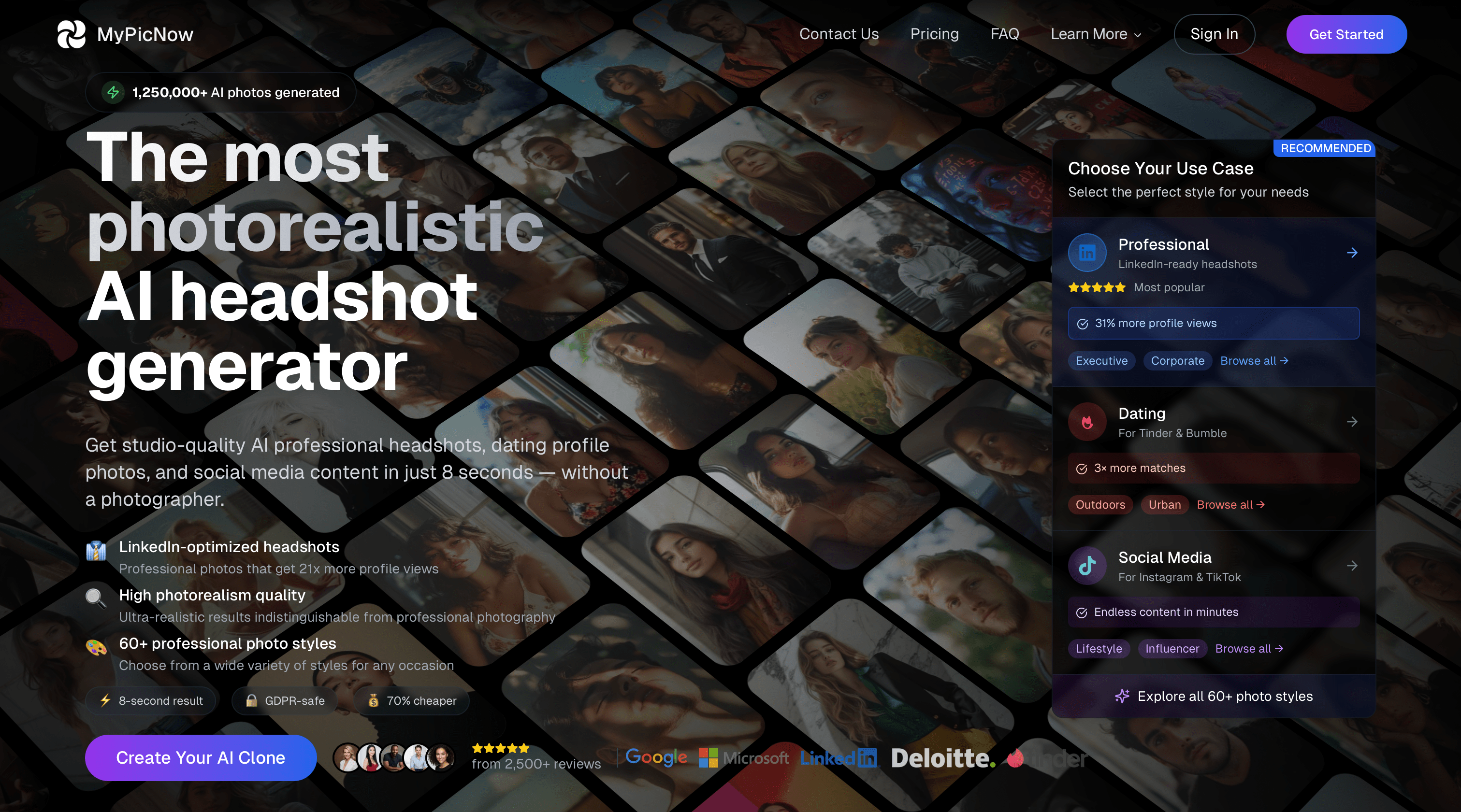
1. MyPicNow – High-Quality Photorealistic Headshots
What sets MyPicNow apart is its fast generation time and high-quality output. Unlike tools that apply generic AI models to your face, MyPicNow has you train a custom model using your own photos, resulting in headshots that look like you - not some AI approximation.
The process couldn't be simpler: upload 10-15 good selfies, train your personal AI model (takes just a few minutes), and then generate stunning headshots in literally 8 seconds. It's faster than brewing a cup of coffee!
<!-- Content grid -->
<div class="grid grid-cols-1 md:grid-cols-2 gap-8">
  <!-- Left column -->
  <div class="space-y-5 border-l-4 border-red-500 pl-4">
    <div class="flex items-center gap-3">
      <div class="flex-shrink-0 bg-white/10 p-2">
        <svg xmlns="http://www.w3.org/2000/svg" class="w-5 h-5 text-lime-500" fill="none" viewBox="0 0 24 24" stroke="currentColor">
          <path stroke-linecap="round" stroke-linejoin="round" stroke-width="2" d="M12 8c-1.657 0-3 .895-3 2s1.343 2 3 2 3 .895 3 2-1.343 2-3 2m0-8c1.11 0 2.08.402 2.599 1M12 8V7m0 1v8m0 0v1m0-1c-1.11 0-2.08-.402-2.599-1M21 12a9 9 0 11-18 0 9 9 0 0118 0z" />
        </svg>
      </div>
      <div>
        <span class="text-gray-400 font-mono uppercase text-xs tracking-wide">Price</span>
        <p class="text-white font-bold">~$19 (single session)</p>
      </div>
    </div>

    <div class="flex items-center gap-3">
      <div class="flex-shrink-0 bg-white/10 p-2">
        <svg xmlns="http://www.w3.org/2000/svg" class="w-5 h-5 text-lime-500" fill="none" viewBox="0 0 24 24" stroke="currentColor">
          <path stroke-linecap="round" stroke-linejoin="round" stroke-width="2" d="M4 16l4.586-4.586a2 2 0 012.828 0L16 16m-2-2l1.586-1.586a2 2 0 012.828 0L20 14m-6-6h.01M6 20h12a2 2 0 002-2V6a2 2 0 00-2-2H6a2 2 0 00-2 2v12a2 2 0 002 2z" />
        </svg>
      </div>
      <div>
        <span class="text-gray-400 font-mono uppercase text-xs tracking-wide">Photos Required</span>
        <p class="text-white font-bold">10-15 selfies recommended</p>
      </div>
    </div>

    <div class="flex items-center gap-3">
      <div class="flex-shrink-0 bg-white/10 p-2">
        <svg xmlns="http://www.w3.org/2000/svg" class="w-5 h-5 text-lime-500" fill="none" viewBox="0 0 24 24" stroke="currentColor">
          <path stroke-linecap="round" stroke-linejoin="round" stroke-width="2" d="M13 10V3L4 14h7v7l9-11h-7z" />
        </svg>
      </div>
      <div>
        <span class="text-gray-400 font-mono uppercase text-xs tracking-wide">Generation Time</span>
        <p class="text-white font-bold">8 seconds after model training</p>
      </div>
    </div>

    <div class="flex items-center gap-3">
      <div class="flex-shrink-0 bg-white/10 p-2">
        <svg xmlns="http://www.w3.org/2000/svg" class="w-5 h-5 text-lime-500" fill="none" viewBox="0 0 24 24" stroke="currentColor">
          <path stroke-linecap="round" stroke-linejoin="round" stroke-width="2" d="M19 11H5m14 0a2 2 0 012 2v6a2 2 0 01-2 2H5a2 2 0 01-2-2v-6a2 2 0 012-2m14 0V9a2 2 0 00-2-2M5 11V9a2 2 0 012-2m0 0V5a2 2 0 012-2h6a2 2 0 012 2v2M7 7h10" />
        </svg>
      </div>
      <div>
        <span class="text-gray-400 font-mono uppercase text-xs tracking-wide">Output</span>
        <p class="text-white font-bold">100+ professional headshots in various styles</p>
      </div>
    </div>
  </div>

  <!-- Right column -->
  <div class="transform rotate-1">
    <div class="border-8 border-white/10 bg-black">
      <div class="border-b-8 border-white/10 py-3 px-4">
        <div class="font-mono uppercase text-white tracking-widest">Standout Features</div>
      </div>
      <div class="p-6 space-y-4">
        <div class="flex gap-3 items-start">
          <div class="w-2 h-2 mt-1.5 bg-red-500 flex-shrink-0"></div>
          <p class="text-gray-300">Lightning-fast 8-second generation</p>
        </div>
        <div class="flex gap-3 items-start">
          <div class="w-2 h-2 mt-1.5 bg-red-500 flex-shrink-0"></div>
          <p class="text-gray-300">Custom AI model trained specifically on your face</p>
        </div>
        <div class="flex gap-3 items-start">
          <div class="w-2 h-2 mt-1.5 bg-lime-500 flex-shrink-0"></div>
          <p class="text-gray-300">Exceptional likeness and natural expressions</p>
        </div>
        <div class="flex gap-3 items-start">
          <div class="w-2 h-2 mt-1.5 bg-lime-500 flex-shrink-0"></div>
          <p class="text-gray-300">Full control over backgrounds, outfits, and styles</p>
        </div>
      </div>
    </div>
  </div>
</div>
The generated images are authentic, the lighting is perfect, and most importantly, the likeness is exceptional. These photos truly look like you – just you on your best day.
In the interest of transparency, here are a few minor drawbacks:
- Initial model training takes a few minutes (though generation after that is lightning-fast)
- Quality depends on your input photos (true for all AI headshot generators)
Despite these minor limitations, MyPicNow delivers the best overall experience and results of any AI headshot generator.
MyPicNow offers a single-session option (~$19) that provides excellent value, plus subscription options if you want to keep generating new photos over time. It's especially perfect for those who want both quality and control without the complexity.
2. BetterPic – Professional Headshots & Custom Styles
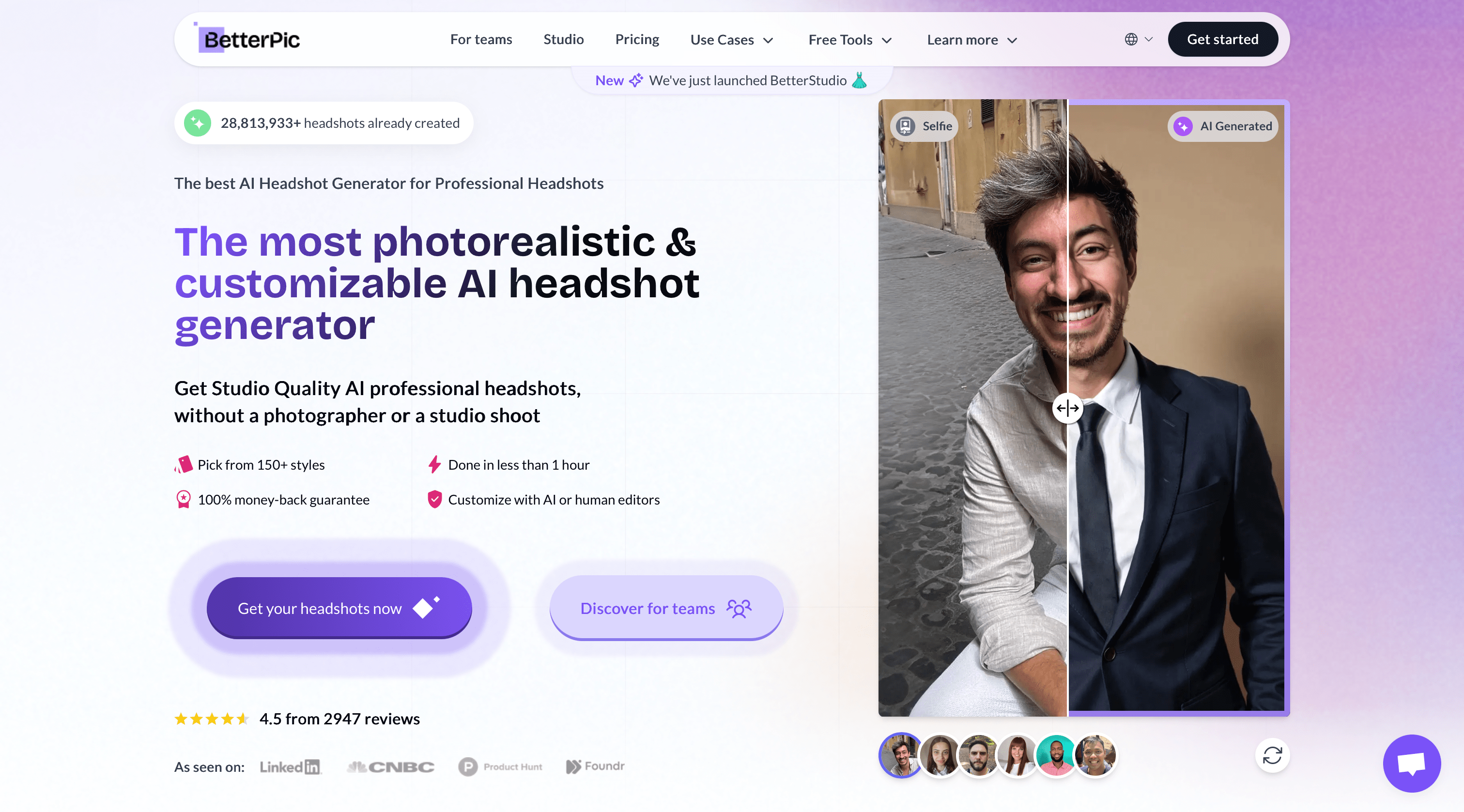
After testing BetterPic, I found their style selection impressive – over 150 different options covering everything from corporate boardroom to casual outdoor looks. The image quality was solid, with good facial detail and natural lighting.
Where BetterPic stands out is their human editing option – you can flag a generated headshot for manual retouching, which is a nice safety net if the AI misses something subtle.
Their pricing is straightforward: $35 for 20 headshots (Starter) or $39 for 60 headshots (Pro). Given the 3x increase in photos for just $4 more, the Pro package is clearly the better value.
While BetterPic delivers excellent results, I found the turnaround time (about 45 minutes to an hour) noticeably longer than MyPicNow.
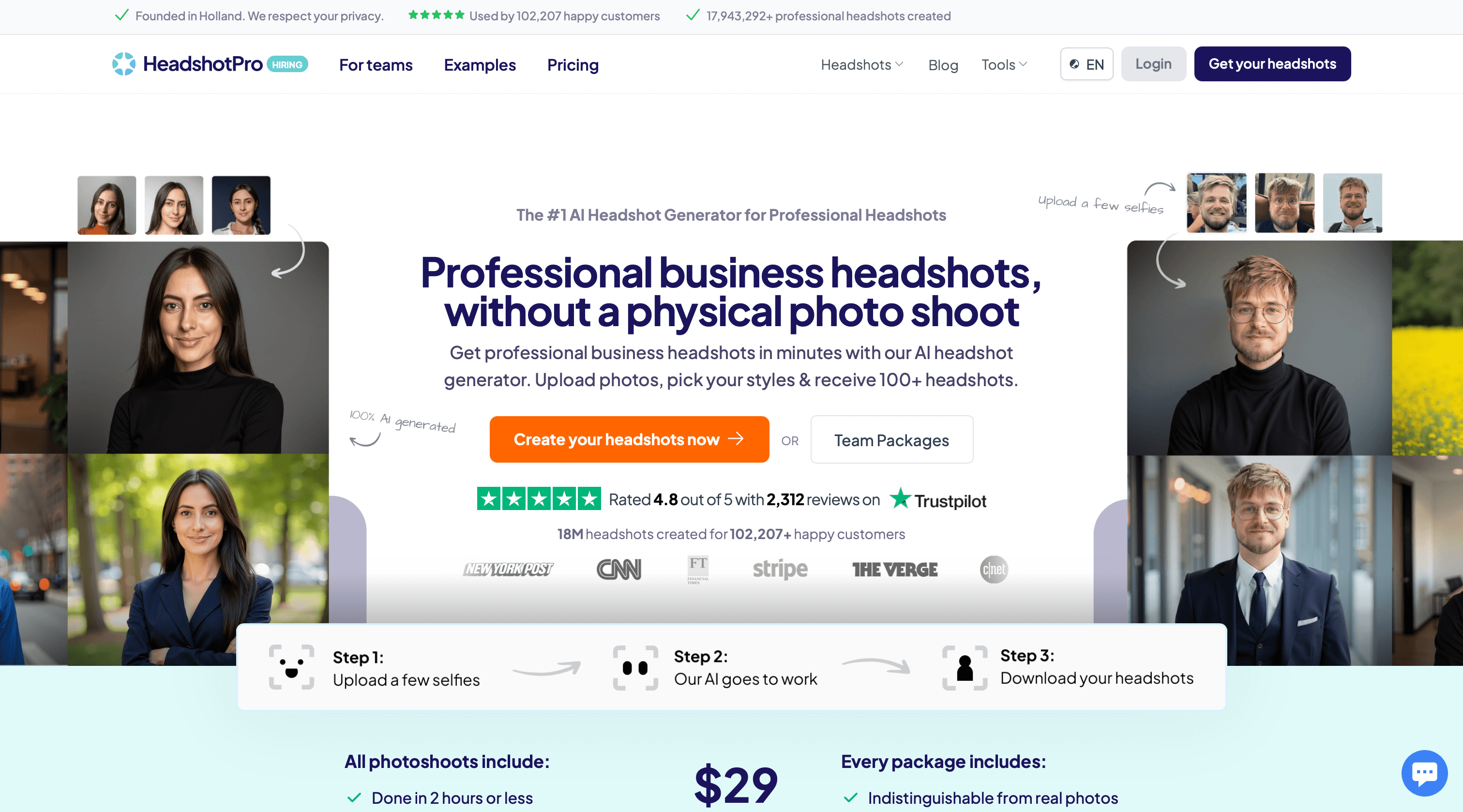
3. HeadshotPro – Consistent Team Photos
HeadshotPro clearly targets businesses and teams with its specialized offerings. Using their own technology for consistent results, this tool excels at creating uniform headshots for entire teams.
The onboarding process was smooth – after uploading 10 photos, I selected my industry context and preferred style. The interface is simple and focused on delivering professional results without overwhelming users with options.
An interesting feature is that you can invite team members to upload their own photos, then process everyone's headshots with consistent backgrounds and lighting.
Pricing starts at $29 for 40 images (ready in 2 hours). The results were realistic and professional, though not quite as varied in style as some competitors.
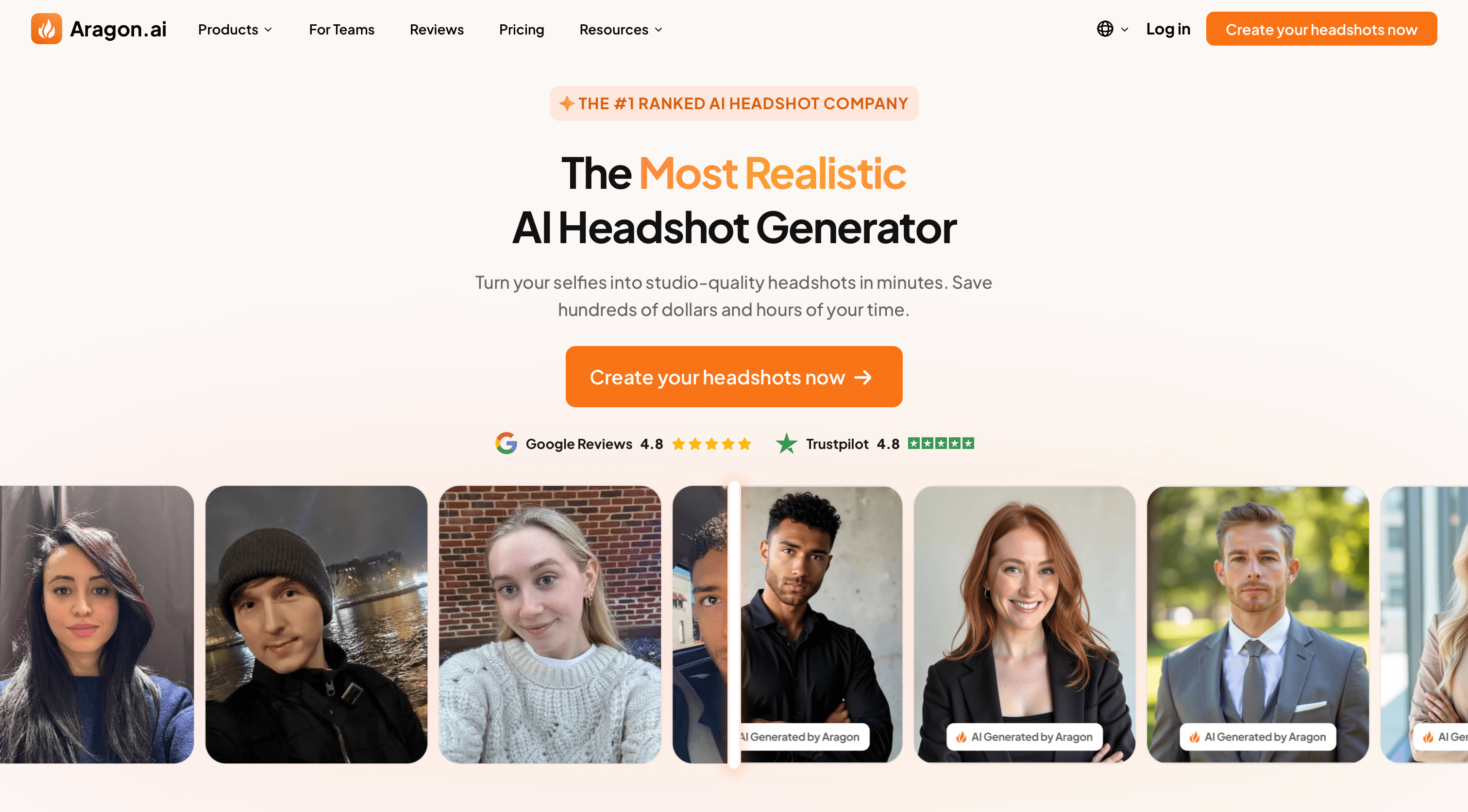
4. Aragon AI – Ultra-Realistic Custom Styles
Aragon AI demands more input photos but rewards you with a lot of customized photos of yourself. Their 20+ style presets allow considerable customization, and the results look well made.
The images had natural depth, accurate lighting, and subtle background blur that mimicked DSLR photos.
The editing features were a nice touch – I could change eye color and adjust background blur after generation. At $35 for 40 headshots (or $75 for faster delivery and more images), it's in the mid-range price-wise.
The drawback? Aragon AI requires significant time and patience both upfront (gathering good selfies) and for processing (about 2 hours), making it less ideal for those in a hurry.
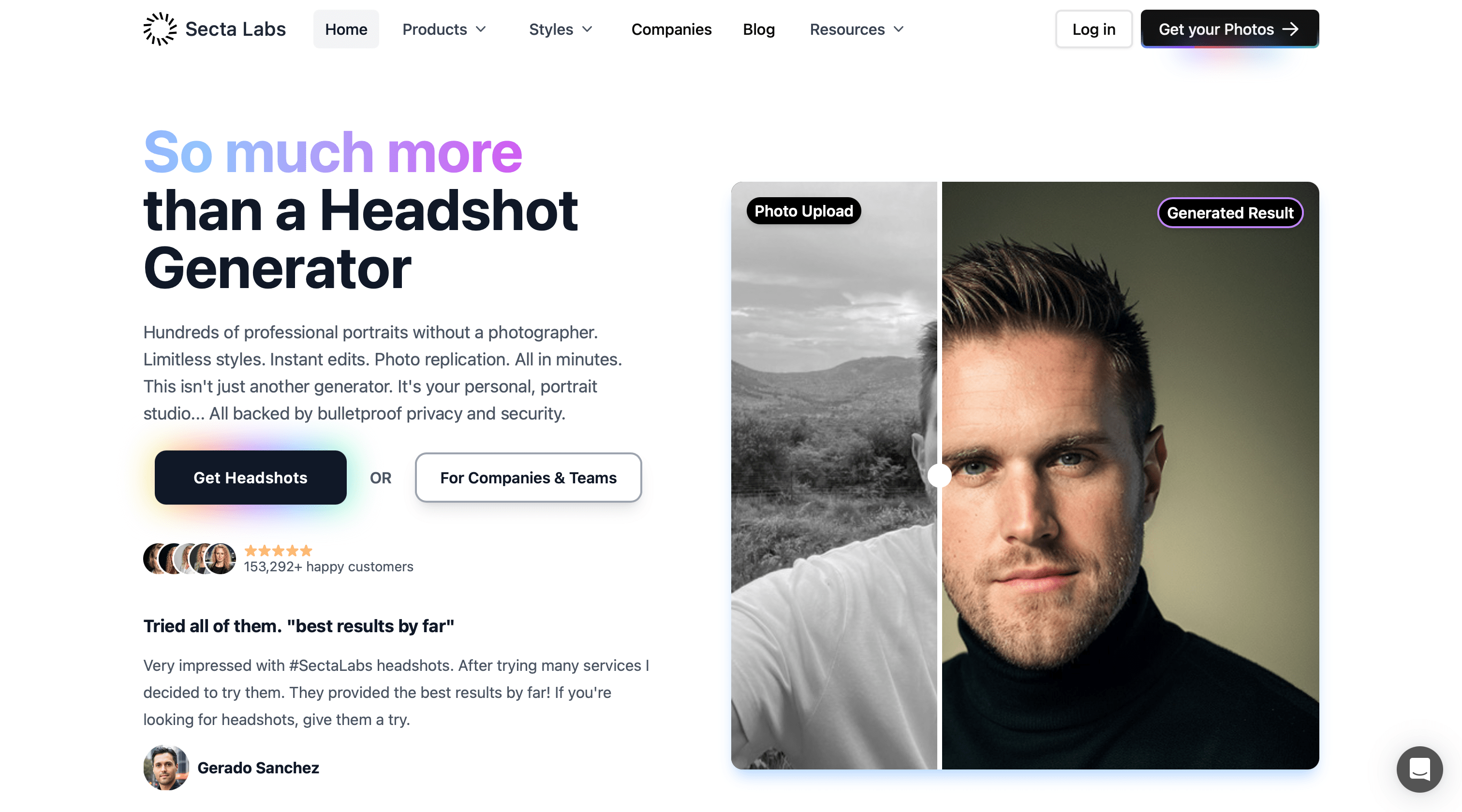
5. Secta AI – Massive Volume for Professionals
If quantity is what you're after, Secta AI delivers in spades. This service generated over 100+ headshots in my testing – an almost overwhelming number of options.
The catch is you need to provide more photos of yourself, which is significantly more than other services require. This front-loaded effort pays off in variation, though, as Secta AI produced headshots in every imaginable style, outfit, and setting.
At $49 flat fee, Secta AI isn't cheap, but the per-photo cost is actually quite low given the sheer volume. The quality was good but somewhat inconsistent – out of 100+ photos, I found a few excellent ones.
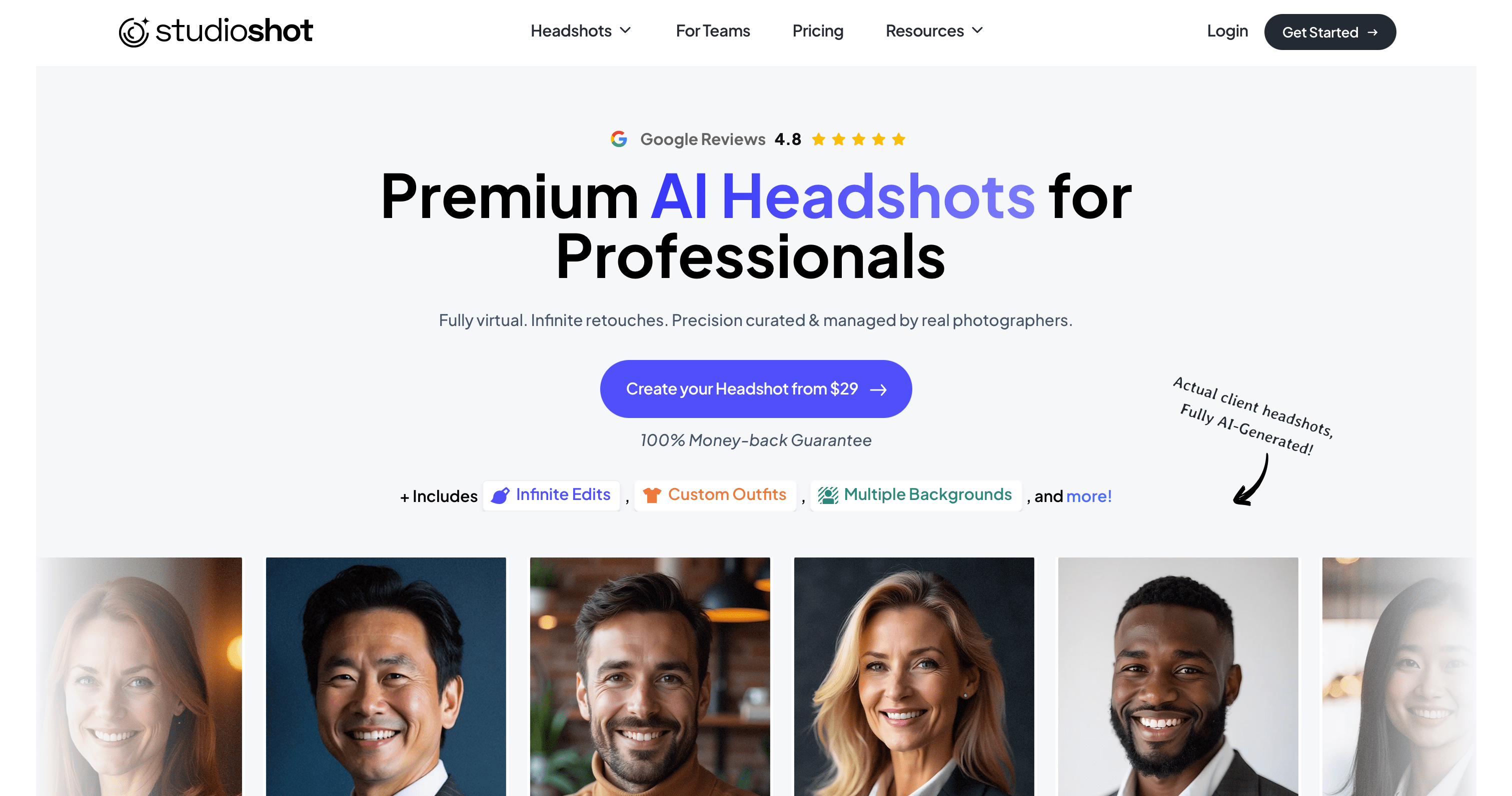
6. StudioShot – Studio Service with Human Touch
What sets StudioShot apart is their human editing service. When I wasn't quite satisfied with a smile in one photo, you can adjust it with an editor. This level of service makes it interesting to correct photos that didn't turn out so great.
The results were consistently good – not a single unusable image in the batch. Each photo looked like it came from a studio session, with good lighting and composition.
For professionals who want a no-compromise headshot and are willing to pay a bit more, StudioShot offers a genuine white-glove experience.
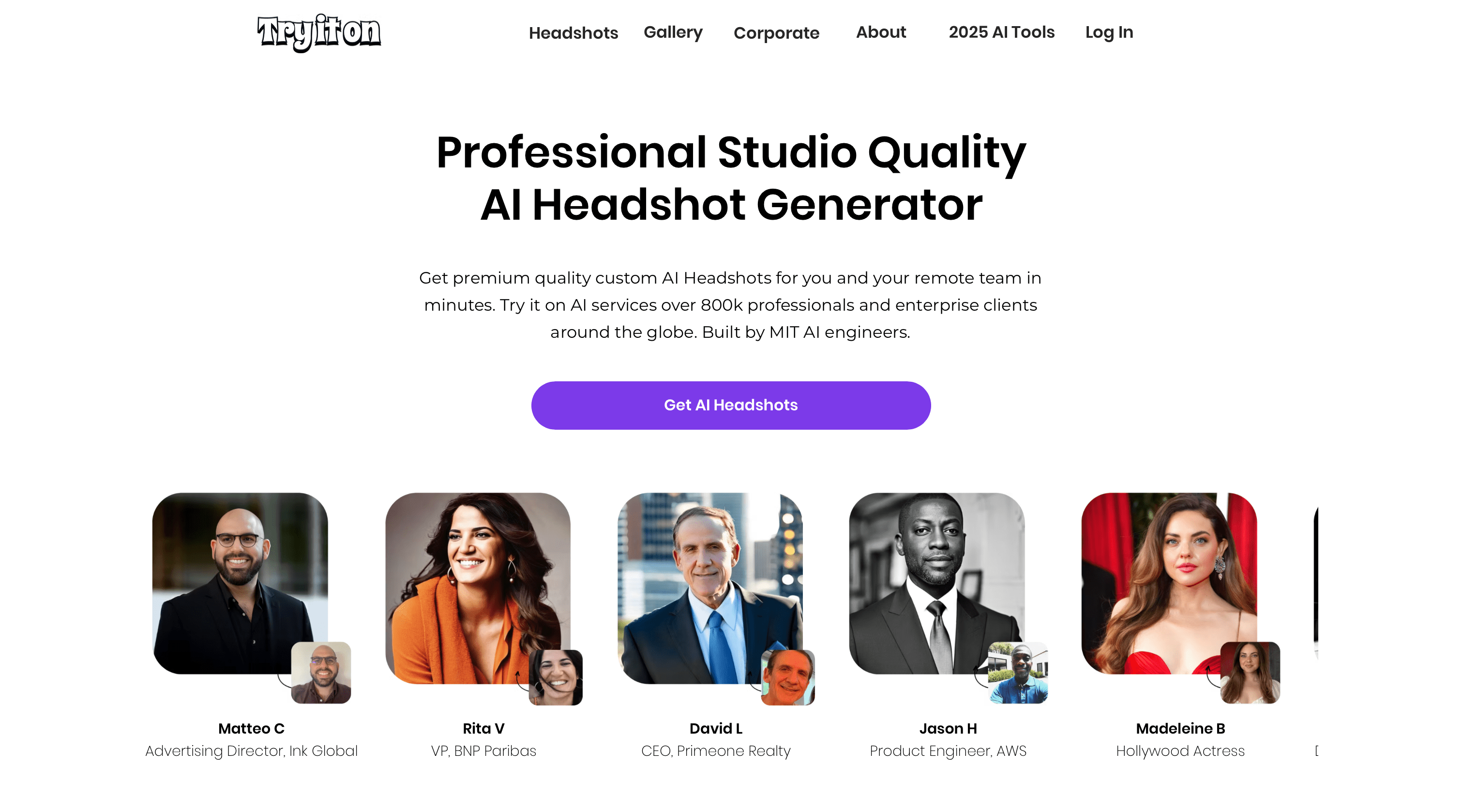
7. TryItOn AI – Budget-Friendly Fun
On the more affordable end, TryItOn AI offers a playful approach to AI headshots. For around $35, you receive 20 images in various styles – everything from corporate to creative.
The quality was admittedly hit-or-miss. Some photos looked great, while others had obvious AI tells like strange backgrounds or slight facial distortions. But with so many options, I still found several gems worth using.
TryItOn AI is upfront about their no-refund, no-redo policy – what you get is what you get.
8. ProPhotos AI – Casual Photos Welcome
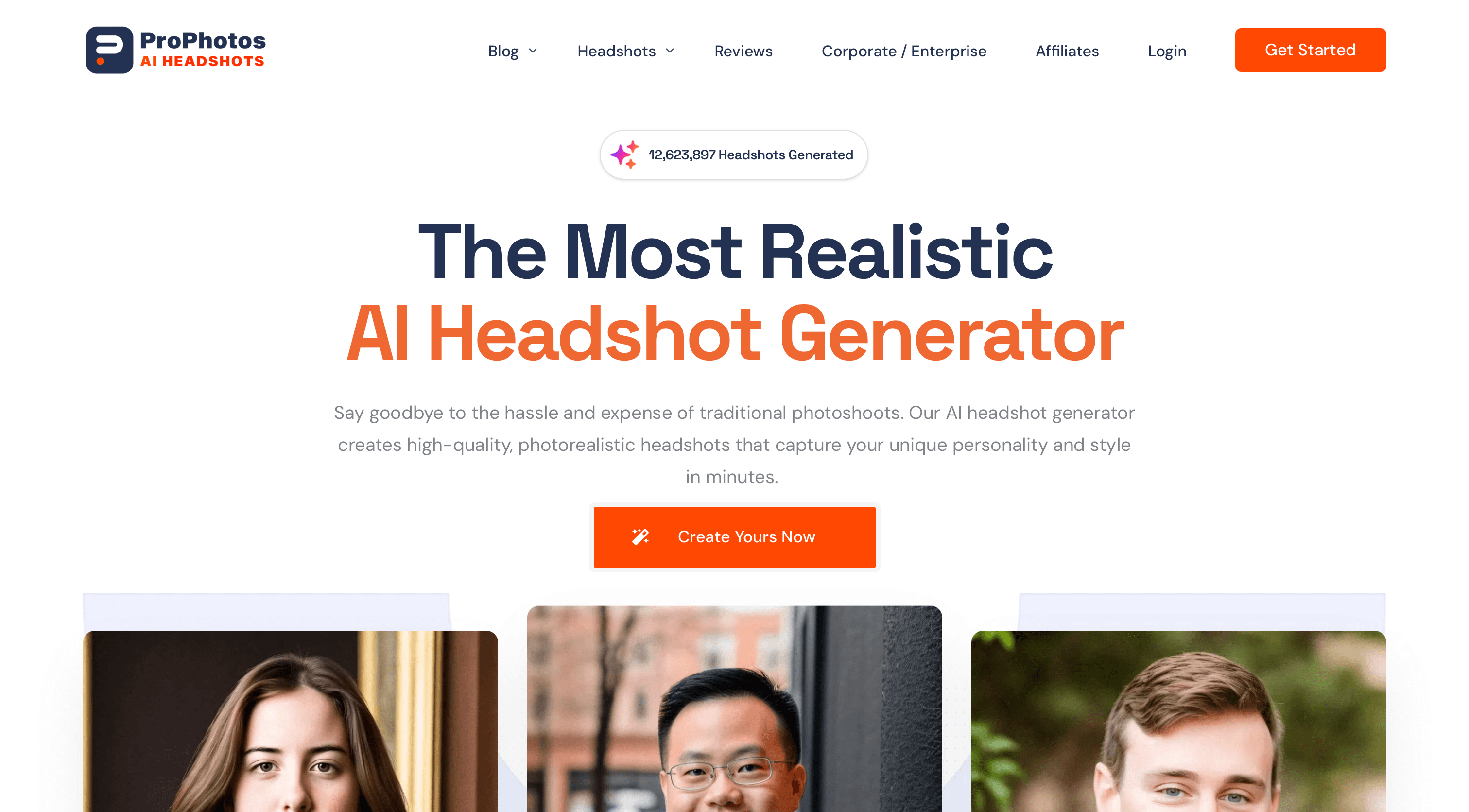
ProPhotos AI differentiates itself by working with everyday photos. The casual approach extends to the results – the headshots have a friendly, approachable quality rather than an ultra-polished look. This worked well for certain contexts but might not satisfy those seeking a formal corporate aesthetic.
At $39 for 40 headshots (or $49-59 for 100-200), ProPhotos AI occupies a middle ground in pricing. The turnaround time was a bit longer at 2.5 hours, but the service does curate results, presenting only the best shots rather than overwhelming you with options.
9. AI SuitUp – Corporate Looks at High Speed
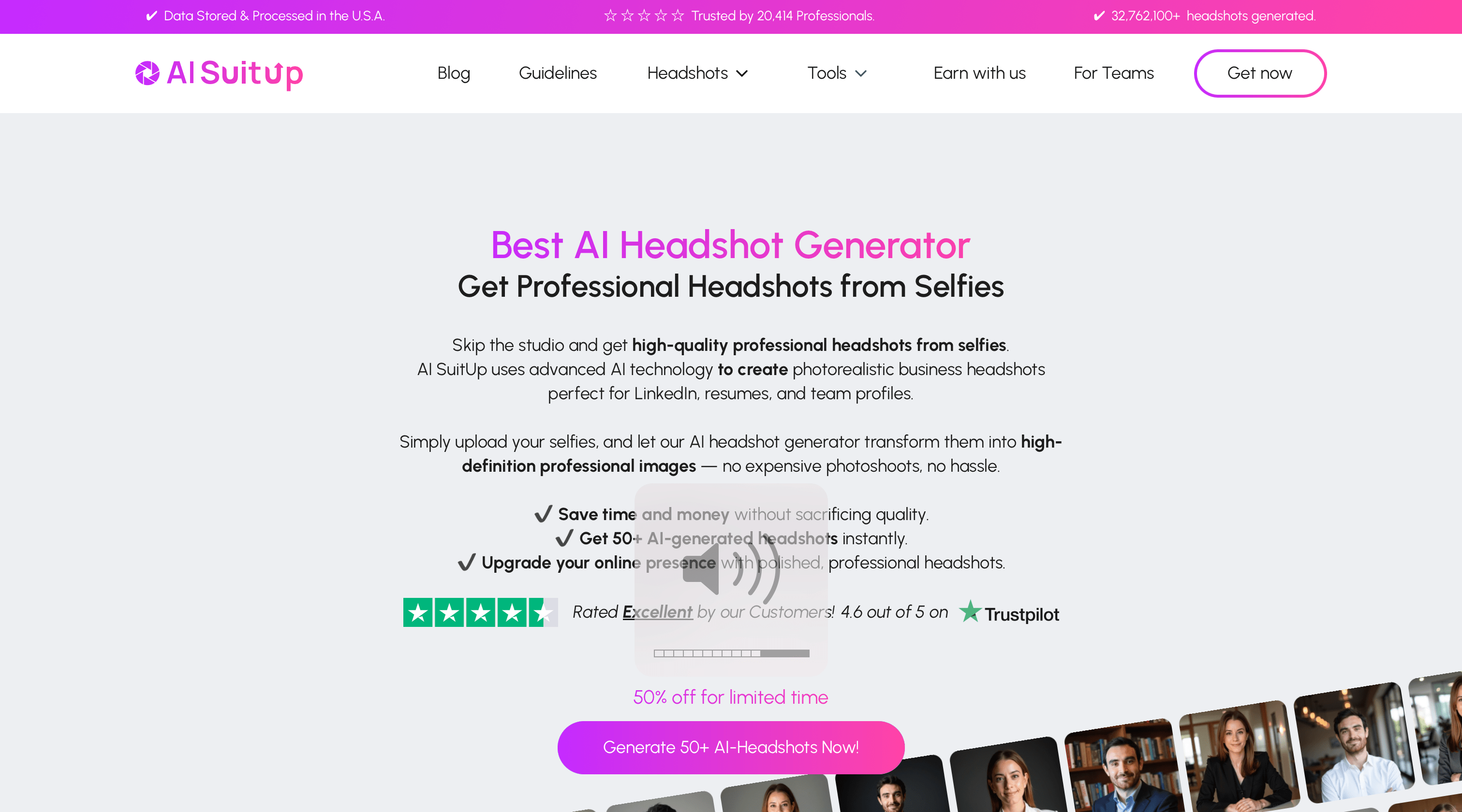
As the name suggests, AI SuitUp specializes in business-formal headshots. Their technology puts you in a professional attire, even if your input photos show you in casual clothing.
Using the same technology as HeadshotPro, AI SuitUp delivers 100 high-quality headshots with good lighting and backgrounds for $37.
The facial likeness was good in some images. The only limitation is style variety – AI SuitUp stays firmly in the business lane.
10. DreamWave AI – Quality on a Budget
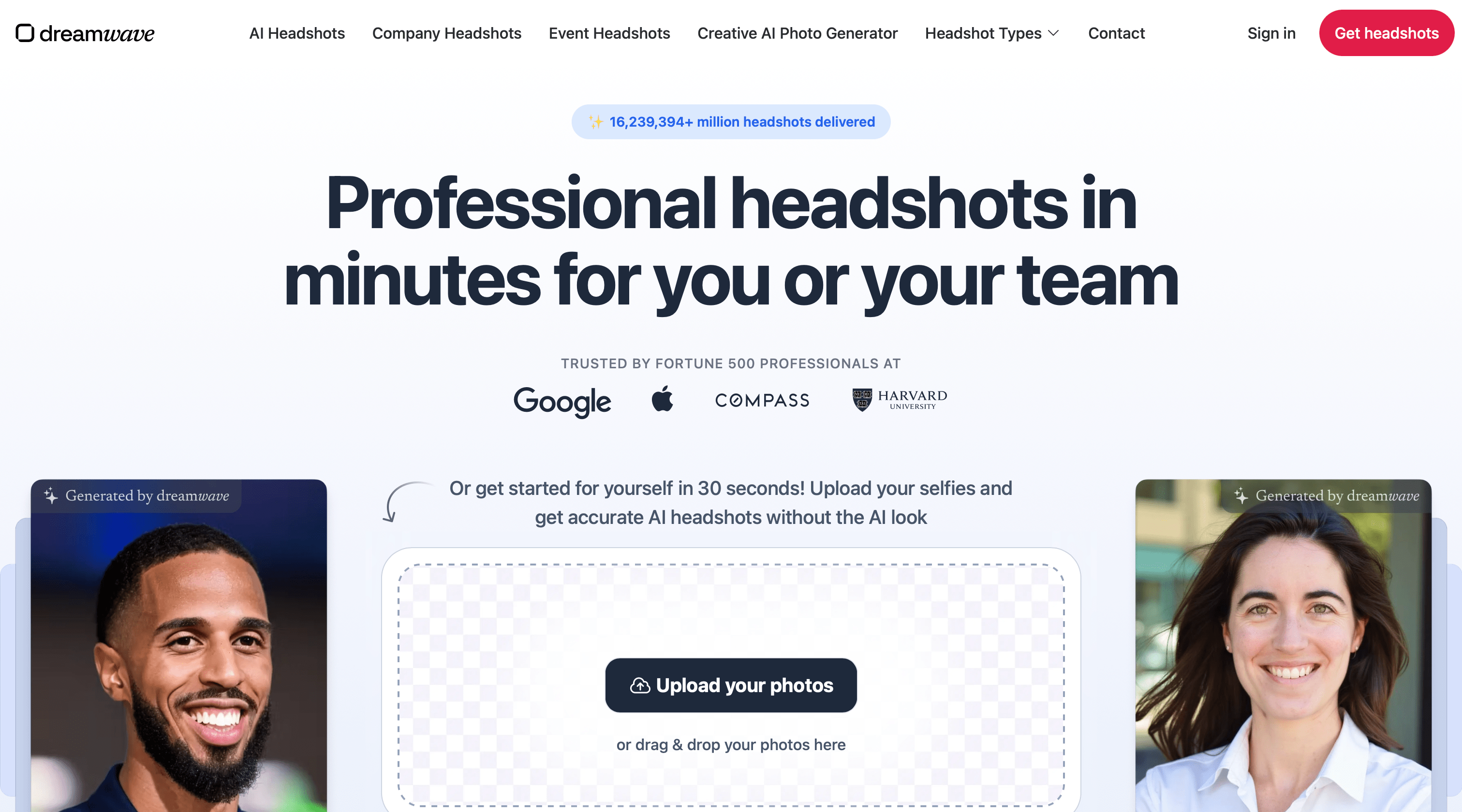
DreamWave AI offers good quality at an affordable price point. For around $19-29, I received about 80 headshots in various styles, from formal studio shots to outdoor settings.
The quality rivaled much more expensive services, with natural skin textures and lighting that truly looked photographic. DreamWave AI doesn't offer much customization – it automatically generates various styles without user input.
The main trade-off is processing time, which takes about 3 hours. For those not in a rush, it can definitely represent excellent value.
Choosing the Right AI Profile Picture Generator for You
After thoroughly testing all these options, it's clear that each AI headshot generator has its strengths. Your ideal choice depends on your priorities:
- If you value speed and realism equally: MyPicNow is unbeatable, delivering stunning results in seconds once your model is trained
- For premium quality and human touch: StudioShot or BetterPic offer excellent results with professional oversight
- For team consistency: HeadshotPro or AI SuitUp excel at creating uniform corporate photos
- On a tight budget: DreamWave AI or TryItOn AI provide good value options
- For massive selection: Secta AI's 300+ outputs give you endless choices
- If you only have casual photos: ProPhotos AI can work with less-than-perfect inputs
Final Rankings: Best AI Headshot Generator of 2025
After extensive testing and comparing dozens of AI headshot generators, we've ranked the top contenders based on photo quality, likeness accuracy, speed, and value. Here's our definitive list for 2025.
<!-- Ranking grid -->
<div class="grid grid-cols-1 md:grid-cols-3 gap-6">
  <!-- The best choices column -->
  <div class="relative">
    <!-- Header with category -->
    <div class="border-8 border-lime-500/20 bg-lime-900/10 p-3 mb-4">
      <div class="font-mono uppercase text-lime-400 font-bold tracking-wider text-xl text-center">
        The Best Choices
      </div>
    </div>

    <!-- Company list -->
    <div class="space-y-4">
      <!-- MyPicNow -->
      <div class="bg-black border-2 border-white/10 p-4 relative">
        <div class="absolute -top-2 -right-2 w-8 h-8 border-r-4 border-t-4 border-lime-500"></div>
        <div class="h-14 flex items-center justify-center mb-3">
          <span class="font-mono font-bold text-white text-2xl"><a href="https://www.mypicnow.com">MyPicNow</a></span>
        </div>
        <div class="flex justify-between items-center">
          <span class="font-mono text-gray-400 text-sm">AI Headshot Generator</span>
          <div class="bg-lime-500/20 border border-lime-500/50 px-2 py-1">
            <span class="text-lime-400 text-xs font-mono">#1 PICK</span>
          </div>
        </div>
      </div>

      <!-- BetterPic -->
      <div class="bg-black border-2 border-white/10 p-4 relative">
        <div class="h-14 flex items-center justify-center mb-3">
          <span class="font-mono font-bold text-white text-2xl"><a href="https://www.betterpic.io">BetterPic</a></span>
        </div>
        <div class="flex justify-between items-center">
          <span class="font-mono text-gray-400 text-sm">AI Headshot Generator</span>
          <div class="bg-lime-500/20 border border-lime-500/50 px-2 py-1">
            <span class="text-lime-400 text-xs font-mono">#2 PICK</span>
          </div>
        </div>
      </div>

      <!-- HeadshotPro -->
      <div class="bg-black border-2 border-white/10 p-4 relative">
        <div class="h-14 flex items-center justify-center mb-3">
          <span class="font-mono font-bold text-white text-2xl"><a href="https://www.headshotpro.com">HeadshotPro</a></span>
        </div>
        <div class="flex justify-between items-center">
          <span class="font-mono text-gray-400 text-sm">AI Headshot Generator</span>
          <div class="bg-lime-500/20 border border-lime-500/50 px-2 py-1">
            <span class="text-lime-400 text-xs font-mono">#3 PICK</span>
          </div>
        </div>
      </div>
    </div>
  </div>

  <!-- Acceptable choices column -->
  <div class="relative">
    <!-- Header with category -->
    <div class="border-8 border-blue-500/20 bg-blue-900/10 p-3 mb-4">
      <div class="font-mono uppercase text-blue-400 font-bold tracking-wider text-xl text-center">
        Acceptable Choices
      </div>
    </div>

    <!-- Company list -->
    <div class="space-y-3">
      <!-- Dreamwave -->
      <div class="bg-black border-2 border-white/10 p-3 relative">
        <div class="h-10 flex items-center justify-center mb-2">
          <span class="font-mono font-bold text-white text-xl"><a href="https://www.dreamwave.ai">DreamWave AI</a></span>
        </div>
        <div class="flex justify-between items-center">
          <span class="font-mono text-gray-400 text-xs">AI Headshot Generator</span>
        </div>
      </div>

      <!-- Aragon AI -->
      <div class="bg-black border-2 border-white/10 p-3 relative">
        <div class="h-10 flex items-center justify-center mb-2">
          <span class="font-mono font-bold text-white text-xl"><a href="https://www.aragon.ai">Aragon AI</a></span>
        </div>
        <div class="flex justify-between items-center">
          <span class="font-mono text-gray-400 text-xs">AI Headshot Generator</span>
        </div>
      </div>

      <!-- Secta AI -->
      <div class="bg-black border-2 border-white/10 p-3 relative">
        <div class="h-10 flex items-center justify-center mb-2">
          <span class="font-mono font-bold text-white text-xl"><a href="https://secta.ai">Secta AI</a></span>
        </div>
        <div class="flex justify-between items-center">
          <span class="font-mono text-gray-400 text-xs">AI Headshot Generator</span>
        </div>
      </div>

      <!-- StudioShot -->
      <div class="bg-black border-2 border-white/10 p-3 relative">
        <div class="h-10 flex items-center justify-center mb-2">
          <span class="font-mono font-bold text-white text-xl"><a href="https://www.studioshot.ai">StudioShot</a></span>
        </div>
        <div class="flex justify-between items-center">
          <span class="font-mono text-gray-400 text-xs">AI Headshot Generator</span>
        </div>
      </div>
    </div>
  </div>

  <!-- Not recommended column -->
  <div class="relative">
    <!-- Header with category -->
    <div class="border-8 border-red-500/20 bg-red-900/10 p-3 mb-4">
      <div class="font-mono uppercase text-red-400 font-bold tracking-wider text-xl text-center">
        Not Recommended
      </div>
    </div>

    <!-- Company list -->
    <div class="space-y-3">
      <!-- TryItOn AI -->
      <div class="bg-black border-2 border-white/10 p-3 relative">
        <div class="h-10 flex items-center justify-center mb-2">
          <span class="font-mono font-bold text-white text-xl"><a href="https://www.tryitonai.com">TryItOn AI</a></span>
        </div>
        <div class="flex justify-between items-center">
          <span class="font-mono text-gray-400 text-xs">AI Headshot Generator</span>
        </div>
      </div>

      <!-- ProPhotos AI -->
      <div class="bg-black border-2 border-white/10 p-3 relative">
        <div class="h-10 flex items-center justify-center mb-2">
          <span class="font-mono font-bold text-white text-xl"><a href="https://prophotos.ai">ProPhotos AI</a></span>
        </div>
        <div class="flex justify-between items-center">
          <span class="font-mono text-gray-400 text-xs">AI Headshot Generator</span>
        </div>
      </div>

      <!-- AI SuitUp -->
      <div class="bg-black border-2 border-white/10 p-3 relative">
        <div class="h-10 flex items-center justify-center mb-2">
          <span class="font-mono font-bold text-white text-xl"><a href="https://www.aisuitup.com">AI SuitUp</a></span>
        </div>
        <div class="flex justify-between items-center">
          <span class="font-mono text-gray-400 text-xs">AI Headshot Generator</span>
        </div>
      </div>
    </div>
  </div>
</div>

<!-- Decorative corner elements -->
<div class="absolute -bottom-2 -left-2 w-8 h-8 border-l-8 border-b-8 border-white/5"></div>
<div class="absolute -top-2 -right-2 w-8 h-8 border-r-8 border-t-8 border-white/5"></div>
What Makes a Great AI Headshot Generator?
Through this testing process, I've identified several key factors that separate the good from the great:
- Facial accuracy - Does it actually look like you?
- Natural lighting and skin texture - Do you look human or plastic?
- Background quality - Are environments realistic or obviously fake?
- Consistency across images - Do all photos have a similar quality level?
- Speed and convenience - How fast can you get results?
- Customization options - Can you control the output?
- Value for money - How many usable images do you get for your investment?
MyPicNow stands out by excelling across all these factors, but each tool has its own unique strengths worth considering.
Final Thoughts: The Future of Professional LinkedIn Headshots
The days of expensive photo studios for professional headshots are rapidly fading. Today's AI profile picture generators can create stunning, realistic photos that are indistinguishable from real photography – often at a fraction of the cost and time investment.
Whether you need a polished LinkedIn profile photo, corporate team headshots, or creative social media images, there's an AI solution that fits your needs. The technology continues to improve at a breathtaking speed, with each new month delivering more realistic results.
After testing MyPicNow against numerous competitors, I can confidently say it hits the sweet spot of speed, quality, and ease of use. The fact that a machine learning algorithm is being trained on your facial features, most of your generations will turn out highly realistic and you can customize it depending on the style you are aiming for.
👉 Generate your LinkedIn‑ready headshot now
FAQ
Q: Are AI headshots good enough for professional use?
Absolutely! The best AI headshot generators now create images that are indistinguishable from professional photography. For LinkedIn, company websites, and most business uses, these tools produce excellent results.
Q: How many photos do I need to upload to get good results?
It varies by platform. MyPicNow works well with 10-15 good selfies, while others like Secta AI require 25+ photos. Generally, the more varied, well-lit photos you provide, the better your results will be.
Q: Are AI-generated headshots safe to use legally?
Yes. When you generate an AI headshot of yourself using your own photos as input, you own the resulting image and can use it anywhere you'd use a traditional photo of yourself.
Q: What type of photos should I upload for best results?
Clear, well-lit photos with different expressions and angles work best. Avoid sunglasses, hats, heavy filters, and group shots. Natural light and plain backgrounds in your input photos will generally produce better AI headshots.
Q: Can AI headshot generators create team photos with consistent backgrounds?
Yes! Tools like HeadshotPro and AI SuitUp specialize in creating uniform team headshots with consistent lighting, backgrounds, and styles – perfect for company websites and LinkedIn.
Sources
AI Headshot Generator Official Websites:
- MyPicNow - Fast AI headshots in 8 seconds with realistic results
- BetterPic - Professional headshots with 150+ style options
- HeadshotPro - Team-focused headshot solution with consistency
- Aragon AI - Ultra-realistic custom headshots with editing features
- Secta AI - High-volume headshot generation
- StudioShot - Studio-quality headshots with human editing
- TryItOn AI - Budget-friendly AI headshot generation
- ProPhotos AI - Casual approach to AI headshots
- AI SuitUp - Corporate and business-focused headshots
- DreamWave AI - Quality headshots at affordable pricing