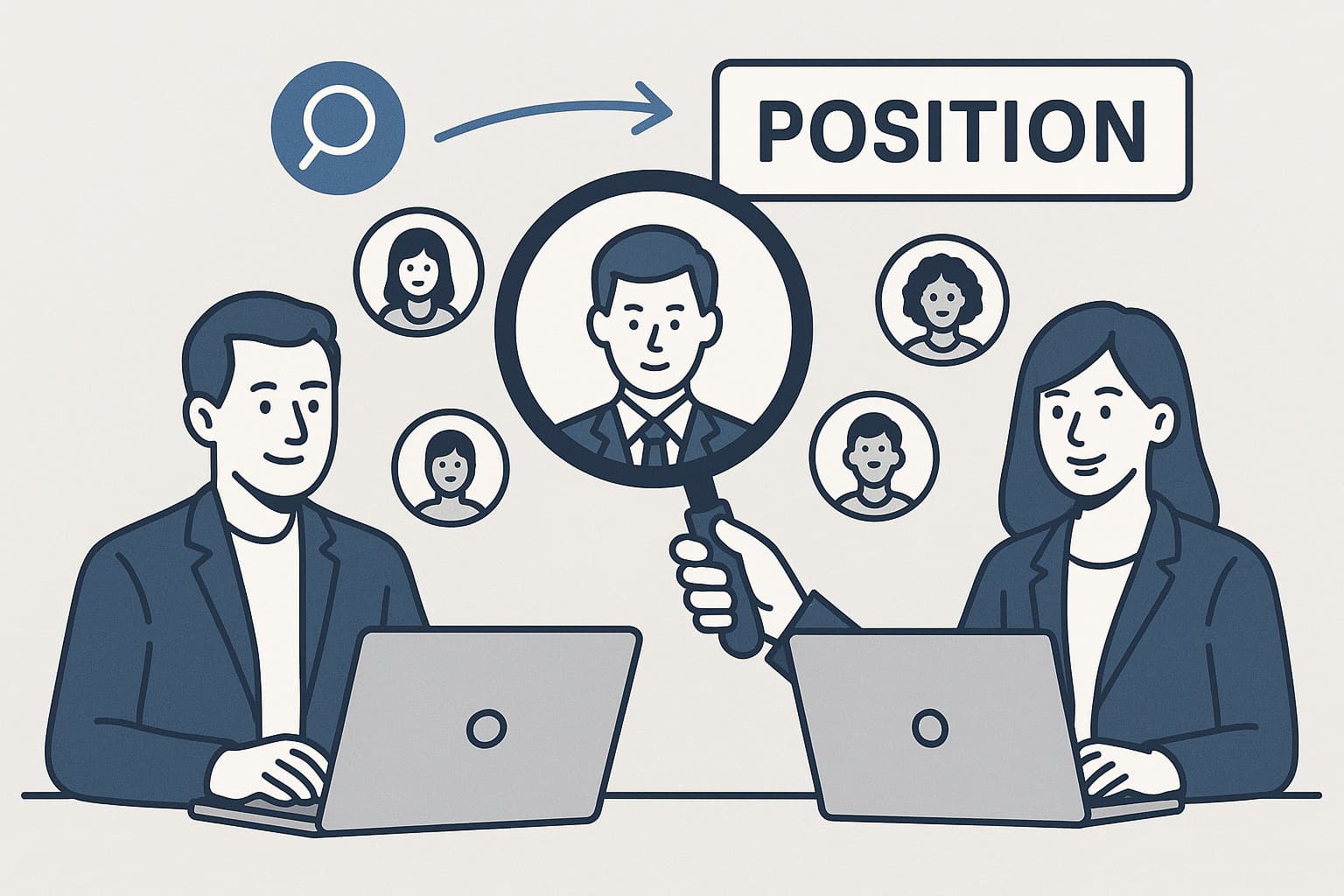
What Recruiters Notice First in a LinkedIn Photo (and How to Nail Yours)
Ever wondered what recruiters really look at when they check out your LinkedIn profile? Hint: It's not your cleverly worded headline or that impressive internship from five years ago—it's your professional headshot (whether it's a corporate headshot or executive-level photo).
Main Takeaway
A great LinkedIn photo instantly boosts your visibility and credibility as a candidate. But a weak photo? That can mean fewer profile views and connection requests—ouch.
Why It Matters (Backed by Real Data)
According to a 2006 Princeton study, people make first impressions in under 100 milliseconds. That's faster than you can blink!
LinkedIn's 2024 Recruiter Sentiment Report found that 98% of recruiters are more likely to explore profiles with clear, friendly photos. An MIT study with LinkedIn even revealed that recruiters always look at your face first, before anything else.
This post shows you:
- Lead – Why one strong photo opens doors.
- Pain – What common image slip‑ups cost you opportunities.
- Benefit – A five‑step plan to fix each issue fast, plus ready‑to‑copy AI prompts.

Quick wins you'll get from this guide
- 14× more profile views: LinkedIn's 2024 data shows clear, front‑facing photos drive the biggest bump.
- 9× more connection requests (source): Recruiters prefer inviting candidates who look trustworthy.
- Minutes to results: With MyPicNow's LinkedIn Profile Photo Generator, you can get studio-quality headshots from your couch.
Top 5 LinkedIn Photo Mistakes (and How to Fix Them Quickly)
Here's what recruiters are secretly cringing about—and easy fixes using MyPicNow's AI Profile Picture Generator:
| # | Problem | Why it hurts | Easy fix with MyPicNow |
|---|---|---|---|
| 1 | Blurry picture / low light | Signals lack of care | Use "soft window light, eyes sharp, plain light‑gray backdrop" prompt |
| 2 | Distracting backgrounds | Takes focus off your face | Switch to a solid color or blurred workspace |
| 3 | Wide‑angle selfie distortion | Makes facial features look off | Generate a 50 mm portrait crop with slight background blur |
| 4 | Party or vacation vibe | Comes off unprofessional | Ask for neutral office setting and smart‑casual dress |
| 5 | No photo at all | Profiles without photos get skipped | Upload a few selfies, pick best AI result, done |
Step 1 — Clarity
Recruiters look at your eyes and mouth first. If these areas are dark or out of focus, trust drops fast.
Step 2 — Get lighting right
Harsh light exaggerates texture; low light muddies details. The ideal is even, bright, but soft.
Step 3 — Simplify the background
A cluttered backdrop distracts from your face. In the MIT study, recruiters' gaze wandered to bright objects behind the subject within 0.7 seconds.
Step 4 — Pose and expression that show confidence
A big grin can feel informal in banking and financial services; no smile at all can seem cold in legal professions. Aim for a light, genuine smile that matches your industry expectations.
Step 5 — Dress and color
Solid mid‑tones (blue, teal, gray) score highest for trust. Loud prints pull focus and JPEG compression can mangle thin stripes.
With MyPicNow, you don't need to think of all these things. It's easy to choose from different styles and prompt your desired result.
Side-by-side: AI vs. traditional photo shoot
| Metric | Pro studio | MyPicNow Studio |
|---|---|---|
| Cost | €120–€450 | $19 USD |
| Time to book | 2-10 days | 30 minutes |
| Time to receive final file | 24 h–1 week | 8 seconds |
| Revision flexibility | Extra fee | Unlimited regenerations |
| Control over background | Limited to studio backdrops | 50+ presets or custom prompt |
Saving money and time? Yes, please!
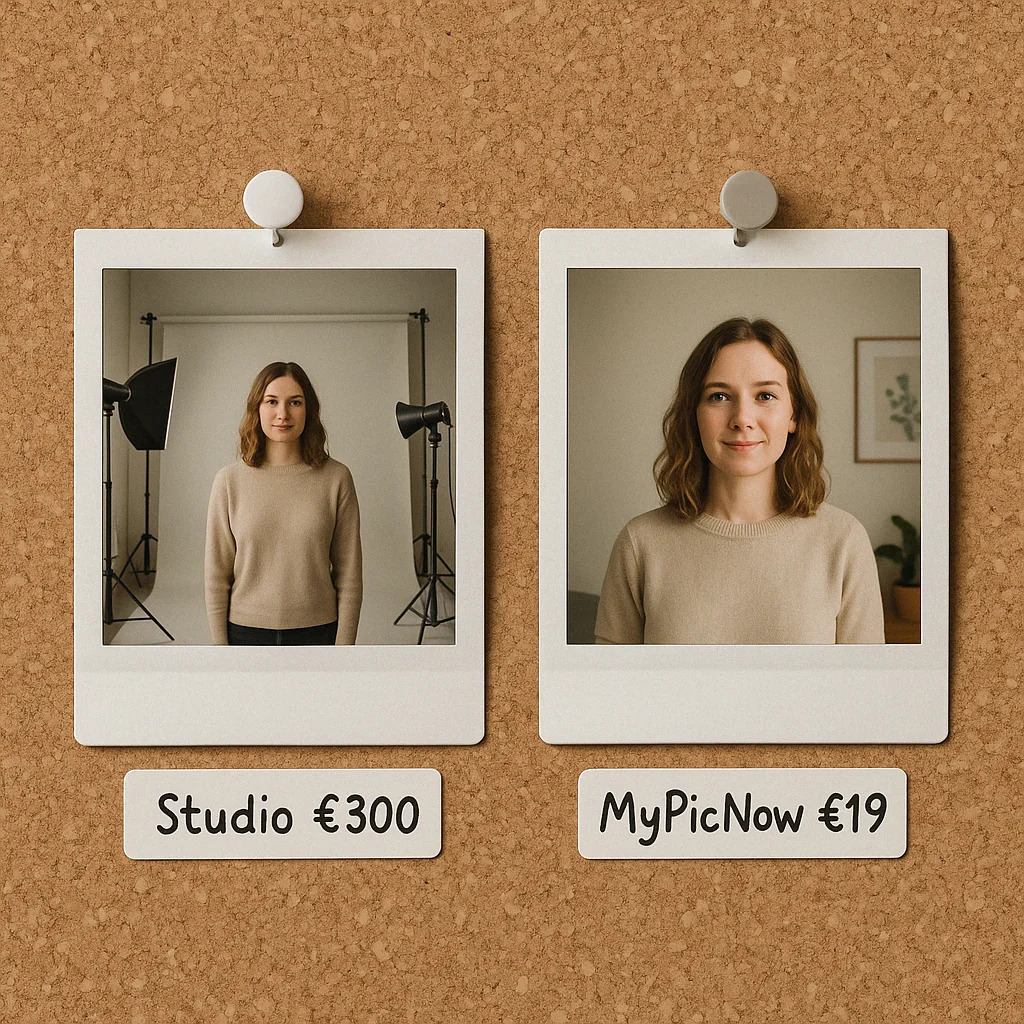
The Ultimate 5-Step LinkedIn Photo Cheat Sheet
- Soft window or ring light at eye level.
- Camera at eye height, arm's length away.
- Plain or softly blurred background.
- Light smile, shoulders slightly angled.
- Export 400 × 400 px, square, face centered.
The perfect prompt at MyPicNow for your shot:
"Professional LinkedIn headshot, soft window light, neutral gray background, gentle blur, head-and-shoulders crop, slight shoulder turn, relaxed smile, sharp eyes, navy blazer, white shirt."
Common LinkedIn Photo Myths (Busted!)
| Myth | Reality |
|---|---|
| "Selfies show the real me." | Recruiters notice distortion from wide-angle selfies. |
| "Black-and-white photos look classy." | Color photos get 32% more views, LinkedIn says. |
| "Only DSLRs offer good quality." | AI-finished portraits from your phone are nearly as sharp. |
| "My CV matters more than my photo." | Recruiters check your photo first—poor images equal skipped profiles. |
Wrap-Up & Call to Action
Ready for a LinkedIn upgrade? Say goodbye to awkward selfies—upload three casual pics to MyPicNow and use our realistic AI photo generator to create a standout LinkedIn profile in minutes.
👉 Generate your LinkedIn‑ready headshot now
FAQ
Q: Are AI headshots good enough for LinkedIn?
Absolutely! Just make sure you use a quality tool like MyPicNow and clear selfies to get professional results.
Q: Is uploading photos to AI safe?
Stick to trusted tools like MyPicNow, which complies with GDPR and respects your privacy.
Q: What photos should I upload?
Clear selfies with good lighting. Avoid sunglasses, hats, filters, and group shots.
Q: Can I customize how I look?
Yes! Customize your prompt and style to create the perfect image.
Q: How long does it take?
Results appear in about 8 seconds—faster than brewing coffee!
Sources
- First Impressions Study: Learn how quickly recruiters judge your photo in this groundbreaking Princeton study.
- LinkedIn Profile Views Statistic: Profiles with great photos attract significantly more attention—LinkedIn notes a whopping 14× more profile views.
- Connection Requests & Professional Photos: Good visuals build trust and increase connections. Check out more on optimizing your LinkedIn profile for connection growth.
- MyPicNow AI Photo Generator: Quickly create professional-quality LinkedIn images from home with MyPicNow's AI Photo Generator.
- LinkedIn's Recruiter Insights: Keep an eye on recruiting trends and insights directly from LinkedIn's official resources.